The best skills to put on a resume are the skills that match the job description, reflect your real experience, and can be backed up with proof. Start with the role you want, identify the required skills, choose the ones you can honestly support, then list them in a clear skills section and prove the most important ones in your summary, work experience, projects, or education.
Do not treat your skills section like a storage drawer for every tool, trait, and buzzword you have ever used. A short, relevant skills section is stronger than a long list that makes the recruiter search for the signal.
What are resume skills?
Resume skills are the abilities, tools, methods, credentials, and work styles that show you can do the job.
They can include:
- Technical skills, such as SQL, Python, Excel, Figma, Salesforce, or financial modeling.
- Role-specific skills, such as customer onboarding, incident response, lifecycle marketing, lesson planning, or vendor management.
- Certifications or licenses, such as CPA, PMP, SHRM-CP, CPR, AWS Certified Cloud Practitioner, or Google Ads certification.
- Soft skills, such as communication, leadership, problem-solving, organization, or conflict resolution.
- Transferable skills, such as research, scheduling, writing, analysis, customer service, or project coordination.
- Remote-work skills, such as async communication, written documentation, distributed collaboration, and timezone coordination.
The goal is not just to name the skill. The goal is to help the employer understand what you can do, where you have done it, and why it matters for the role.
Hard skills vs. soft skills vs. transferable skills
A strong resume usually includes a mix of hard skills, soft skills, and transferable skills.
| Skill type | What it means | Resume examples | Best place to show it |
|---|---|---|---|
| Hard skills | Teachable, job-specific abilities or tools | SQL, HubSpot, bookkeeping, Spanish, CPR, UX research | Skills section, certifications, projects, work bullets |
| Soft skills | How you work with people, decisions, and pressure | Communication, leadership, adaptability, problem-solving | Work bullets, summary, projects, interview stories |
| Transferable skills | Skills that apply across roles or industries | Research, scheduling, writing, customer service, analysis | Summary, skills section, work bullets, projects |
Hard skills are often easier to list because they are specific. Soft skills are more convincing when you show them in context.
Weak:
Skills: Communication, leadership, teamwork, problem-solving.
Stronger:
Coordinated weekly async updates across product, support, and customer success, reducing repeat status meetings and keeping launch blockers visible.
The second version still shows communication, teamwork, organization, and problem-solving, but it gives the reader proof.
How to choose skills for your resume
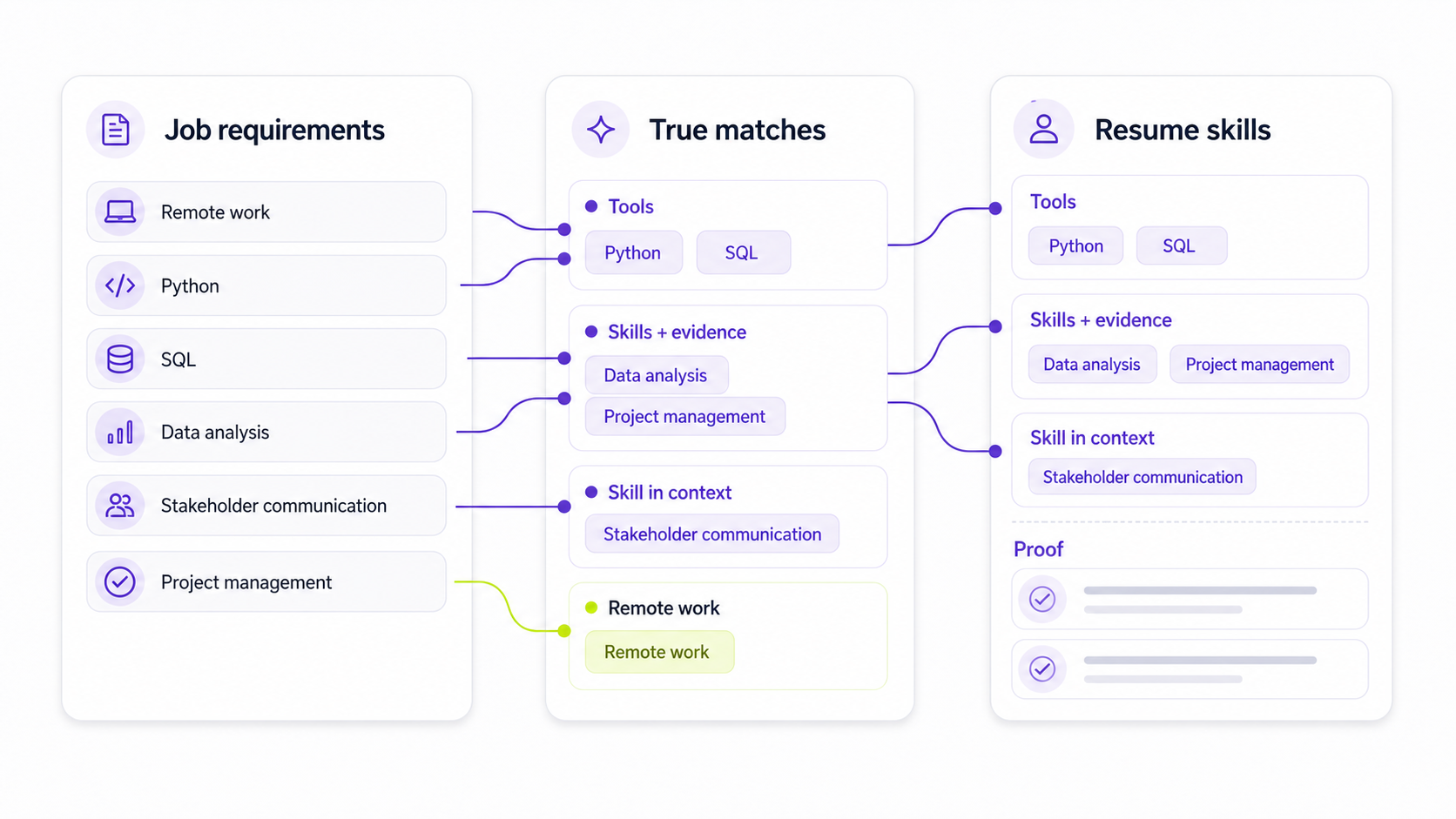
Choose resume skills from the job description first, then filter them through your real experience.
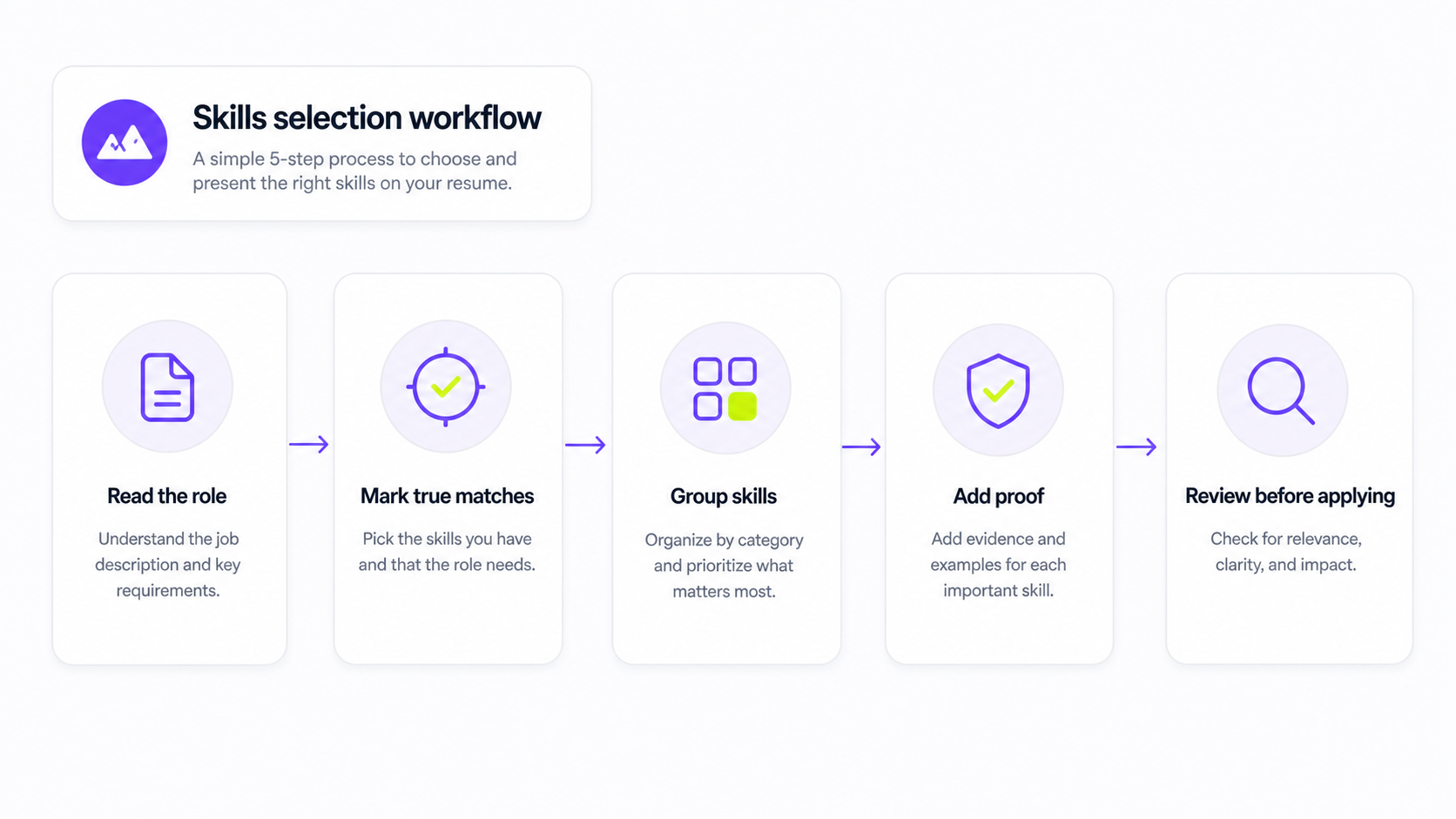
1. Read the job description closely
Before editing your resume, read the posting from top to bottom and mark:
- Required skills.
- Tools and software.
- Certifications or licenses.
- Responsibilities repeated more than once.
- Role-specific phrases.
- Industry terms.
- Remote-work expectations, if the role is remote or hybrid.
If the job description repeats "customer onboarding," "HubSpot," "renewal risk," and "executive communication," those are stronger signals than a generic phrase like "team player."
You can use the Himalayas job description keyword finder to pull the likely skills and keywords out of a posting before you edit. Treat the output as a starting point, not a command to add every term.
2. Mark true matches
Sort the skills into four groups:
| Group | Meaning | What to do |
|---|---|---|
| Strong match | You have direct experience and can explain it | Include it prominently |
| Adjacent match | You have related experience but use different wording | Include it honestly and clarify the connection |
| Learning or exposure | You have used it lightly or are learning it | Include only if the context is clear |
| No match | You cannot honestly claim it | Leave it out |
Do not add a tool, language, certification, or responsibility just because the employer listed it. If you cannot explain the skill in an interview, it does not belong on your resume.
3. Prioritize required skills over nice-to-have skills
Most resumes do not have room for everything. Give priority to:
- Required qualifications.
- Tools used every day in the role.
- Skills repeated in the job description.
- Skills tied to business outcomes.
- Skills you have used recently.
- Skills you can prove with examples.
Nice-to-have skills can appear lower in the skills section or in a project, but they should not crowd out the core requirements.
4. Group related skills
Grouping makes your skills easier to scan.
For example:
Skills
Customer success: onboarding, renewal risk, QBRs, account expansion
Tools: Salesforce, HubSpot, Zendesk, Notion
Remote collaboration: async updates, documentation, cross-functional handoffs
This is stronger than one long line of unrelated terms:
Skills: Salesforce, onboarding, communication, Notion, account expansion, Zendesk, teamwork, QBRs, documentation, HubSpot.
5. Choose skills you can prove
The most important skills should not appear only in the skills section. They should also show up in your work experience, projects, education, certifications, or summary.
If you list "SQL," include a bullet that shows what you did with SQL. If you list "customer onboarding," include a bullet that shows who you onboarded, how often, what tools you used, or what improved.
For example:
Built SQL dashboards for weekly renewal-risk reviews, helping customer success managers identify delayed onboarding accounts.
That bullet proves SQL, reporting, renewal risk, customer success, and stakeholder communication.
For more examples, use the guide to writing resume bullet points.
Where to list skills on a resume
You can show skills in several parts of the resume. The skills section is only one of them.
Skills section
Use the skills section for quick, searchable facts:
- Tools.
- Technical skills.
- Languages.
- Certifications.
- Methods.
- Role-specific competencies.
Keep it targeted to the role. For most job seekers, 8-15 skills is enough. Senior or technical candidates may need more, but the section should still be organized.
Good:
Skills
Data analysis: SQL, Looker, Excel, cohort analysis, dashboarding
Operations: process mapping, vendor coordination, weekly reporting
Remote work: async documentation, cross-functional handoffs, Notion
Weak:
Skills
Excel, SQL, communication, leadership, motivated, creative, fast learner, teamwork, responsible, organized, reporting, dashboards, detail-oriented, strategic, analytical, passionate.
The weak version mixes real skills with traits and filler. The stronger version groups skills by the work they support.
Resume summary
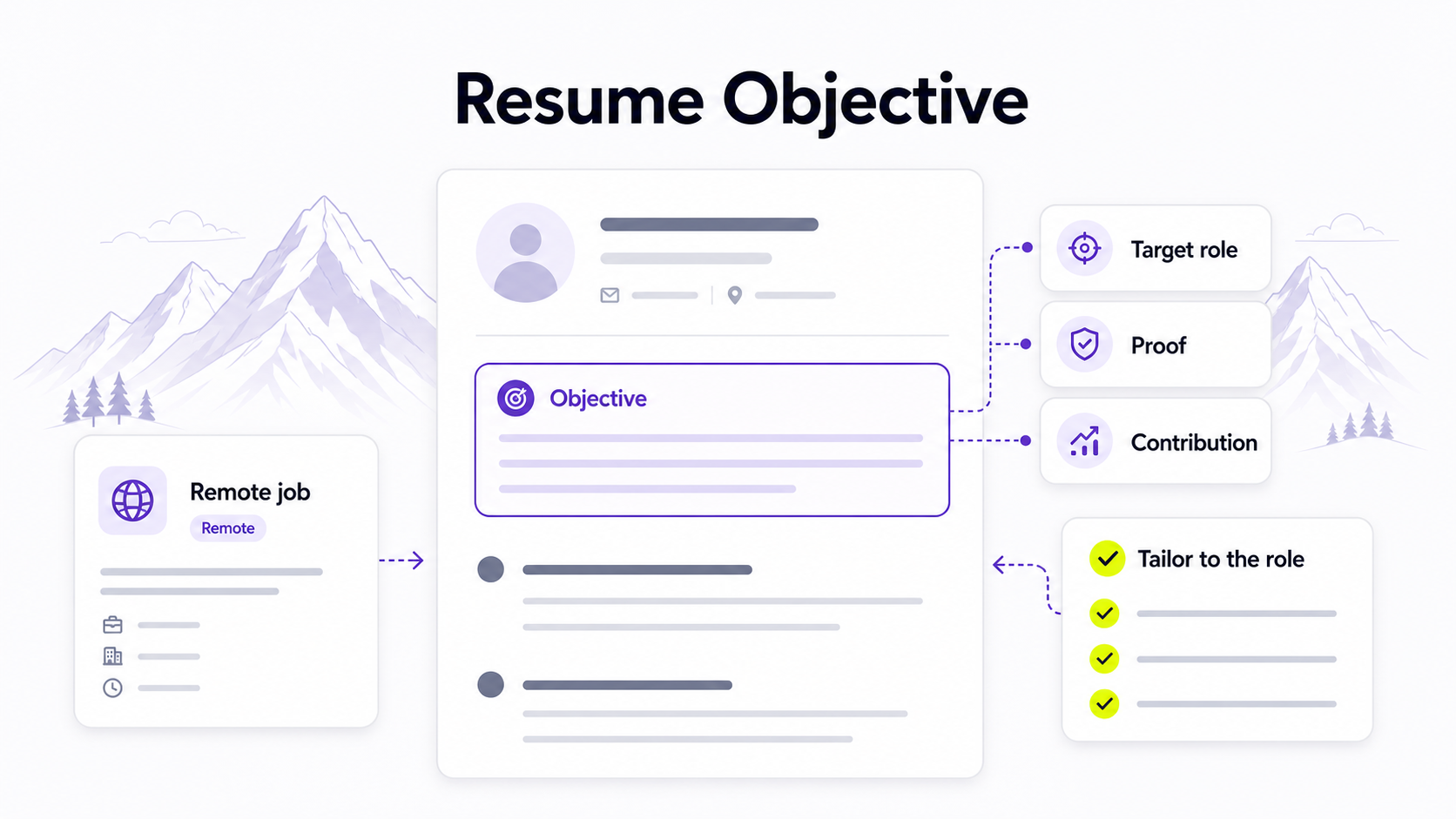
Use the summary for your strongest role match.
Example:
Customer success specialist with 4 years of experience in SaaS onboarding, renewal-risk tracking, Zendesk support workflows, and async documentation for distributed teams.
This summary includes skills, tools, role context, and remote-work relevance without becoming a keyword list.
For more summary patterns, see Resume Summary Examples.
Work experience bullets
Use bullets to prove high-value skills.
Weak:
Skills used: customer service, communication, Salesforce, problem-solving.
Stronger:
Resolved 45+ weekly customer support tickets in Zendesk and Salesforce, documenting recurring setup issues for product and customer success teams.
The stronger bullet proves the skills through specific work.
Projects
Projects are useful when:
- You are early in your career.
- You are changing careers.
- You learned a skill outside a formal job.
- Your current job title does not show the skill clearly.
Example:
Built a Python dashboard using 2,000 public support tickets to identify recurring product issues by category and priority.
This can support Python, data cleaning, dashboarding, support analysis, and product thinking.
Education, certifications, and training
Put credentials in a dedicated section when they matter for the role.
Examples:
- CPA.
- PMP.
- SHRM-CP.
- CPR certification.
- AWS Certified Cloud Practitioner.
- Google Analytics certification.
- State teaching license.
Use the official credential name. If the credential is in progress, say that clearly.
Resume skills examples by role
Use these examples as starting points, not as copy-paste lists. The right skills depend on the job description.
| Role | Skills section examples | Proof bullet example |
|---|---|---|
| Customer support | Zendesk, Salesforce, live chat, escalation handling, help-center documentation, customer empathy | Resolved 45+ weekly support tickets across email and live chat, documenting recurring setup issues for product and success teams. |
| Customer success | Onboarding, renewal risk, QBRs, account expansion, CRM hygiene, async updates | Led onboarding for 25+ SMB accounts per quarter, using HubSpot notes and async check-ins to keep implementation blockers visible. |
| Software engineer | TypeScript, React, Node.js, REST APIs, unit testing, CI/CD, code review | Built REST API endpoints for billing workflows and added unit tests that improved confidence in account update releases. |
| Data analyst | SQL, Excel, Looker, dashboarding, cohort analysis, data cleaning, stakeholder reporting | Built SQL dashboards for weekly revenue reviews, helping sales and success leaders identify renewal-risk accounts. |
| Marketing | SEO, lifecycle campaigns, HubSpot, Google Analytics, content strategy, reporting | Planned and reported on 6 monthly lifecycle campaigns, using HubSpot and GA4 data to improve email segmentation. |
| Project manager | Roadmapping, Jira, risk tracking, stakeholder updates, resource planning, meeting facilitation | Coordinated weekly launch updates across design, engineering, and support, keeping timeline risks visible before release. |
| Designer | Figma, wireframing, UX research, prototyping, design systems, accessibility | Designed Figma prototypes and handoff specs for a self-serve onboarding flow, clarifying edge cases before engineering build. |
| Remote worker | Async communication, written documentation, timezone coordination, self-directed planning, Loom, Notion | Documented async handoffs for a distributed team across 4 timezones, reducing repeated status-check meetings. |
| Entry-level candidate | Research, scheduling, Excel, customer service, writing, teamwork, project coordination | Researched 120+ competitor listings and summarized weekly findings for a student business project. |
Weak vs. strong skills section examples
Example 1: Generic skills section
Weak:
Skills: Communication, teamwork, Microsoft Office, leadership, organization, problem-solving, fast learner.
Stronger:
Skills
Tools: Excel, PowerPoint, Google Sheets, Notion
Operations: scheduling, weekly reporting, process documentation
Collaboration: cross-functional updates, meeting notes, stakeholder follow-up
Why it works: the stronger version replaces broad traits with specific tools and work patterns.
Example 2: Technical skills section
Weak:
Skills: Coding, databases, cloud, teamwork, APIs, testing.
Stronger:
Skills
Languages and frameworks: TypeScript, React, Node.js
Backend: REST APIs, PostgreSQL, authentication workflows
Quality: unit testing, code review, CI/CD
Collaboration: product specs, technical documentation, async updates
Why it works: the stronger version is easier to scan and gives a clearer picture of the candidate's technical scope.
Example 3: Career-change skills section
Weak:
Skills: Sales, communication, data, marketing, leadership.
Stronger:
Skills
Customer insight: discovery calls, objection tracking, account research
Data and reporting: Salesforce reports, pipeline analysis, Excel
Marketing-adjacent work: campaign feedback, customer segmentation notes, webinar follow-up
Transferable skills: stakeholder communication, prioritization, written documentation
Why it works: the stronger version builds a bridge without pretending the candidate already held the target role.
How many skills should you put on a resume?
Most job seekers should include 8-15 targeted skills in the skills section.
Use fewer skills when:
- You are applying for a focused role with a small number of core requirements.
- The resume is already dense.
- Your work experience proves most skills clearly.
Use more skills when:
- The role is technical.
- The employer lists many required tools.
- Certifications or methods matter.
- You group the skills clearly.
Do not add skills just to fill space. A concise list of relevant skills is better than a long list that includes filler.
Skills to avoid putting on a resume
Avoid skills that are vague, unsupported, outdated, irrelevant, or too basic for the role.
Usually skip:
- Generic traits such as hardworking, motivated, responsible, passionate, or friendly.
- Skills you cannot explain in an interview.
- Tools you used once and cannot use independently.
- Outdated software unless the job specifically asks for it.
- Basic expectations for your role, such as email or internet research for a knowledge-work job.
- Joke skills or personality labels.
- Skills copied from the job description without evidence.
Some broad skills can stay if you make them specific. "Communication" is weak by itself. "Executive presentation," "customer escalation emails," or "async project updates" is stronger.
How to list skills with no experience
If you have little or no formal work experience, use skills from:
- School projects.
- Volunteer work.
- Part-time jobs.
- Freelance work.
- Personal projects.
- Clubs, sports, or student organizations.
- Certifications or online courses.
- Caregiving or community responsibilities, when relevant.
You still need proof. Instead of listing "leadership," describe what you led.
Weak:
Skills: Leadership, organization, communication.
Stronger:
Coordinated weekly volunteer schedules for 12 students, using Google Sheets to track availability and shift coverage.
That bullet shows leadership, organization, communication, scheduling, and spreadsheet use.
For a full resume structure, read How to Write a Resume With No Experience.
How to use AI to improve your resume skills section
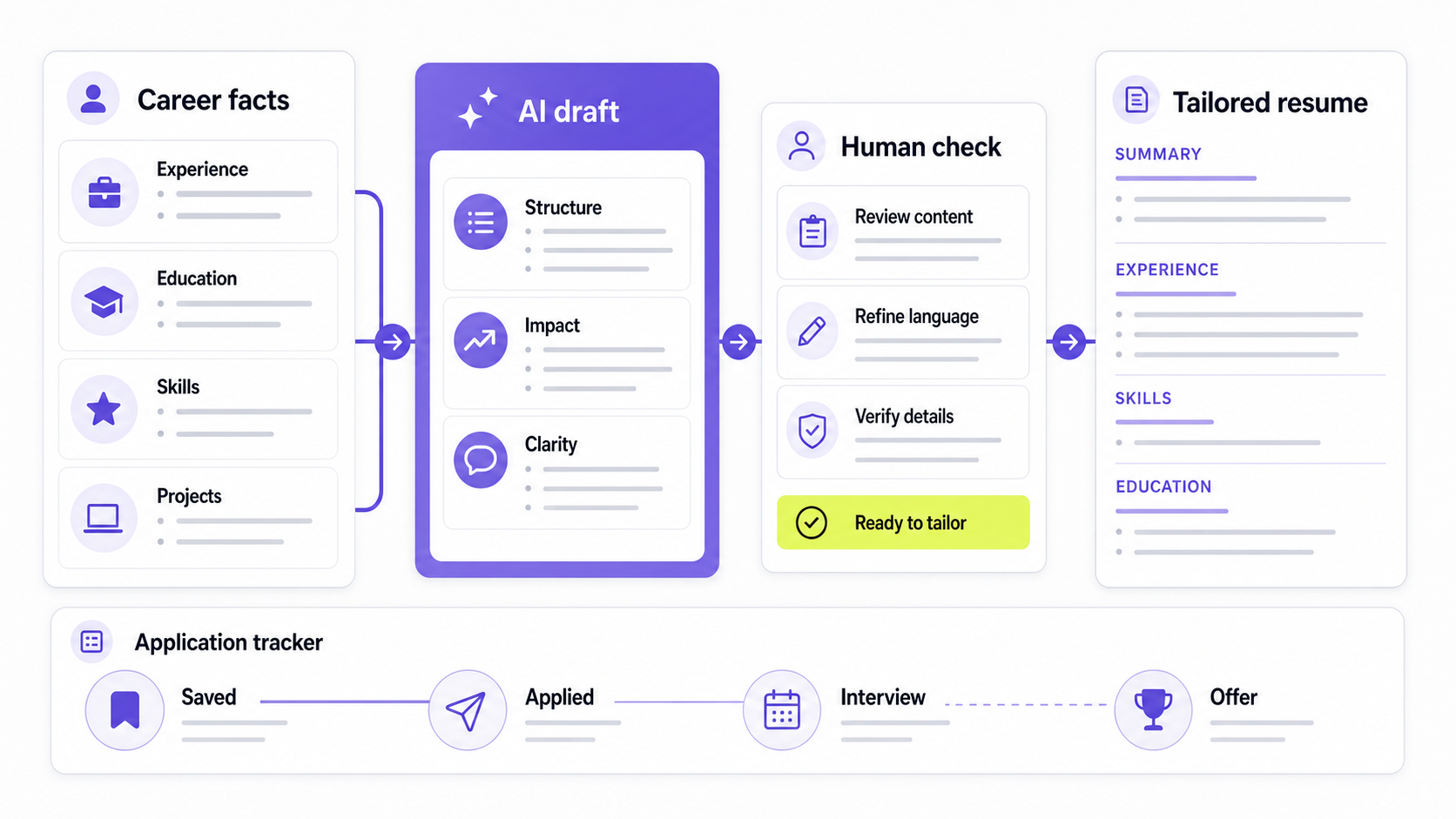
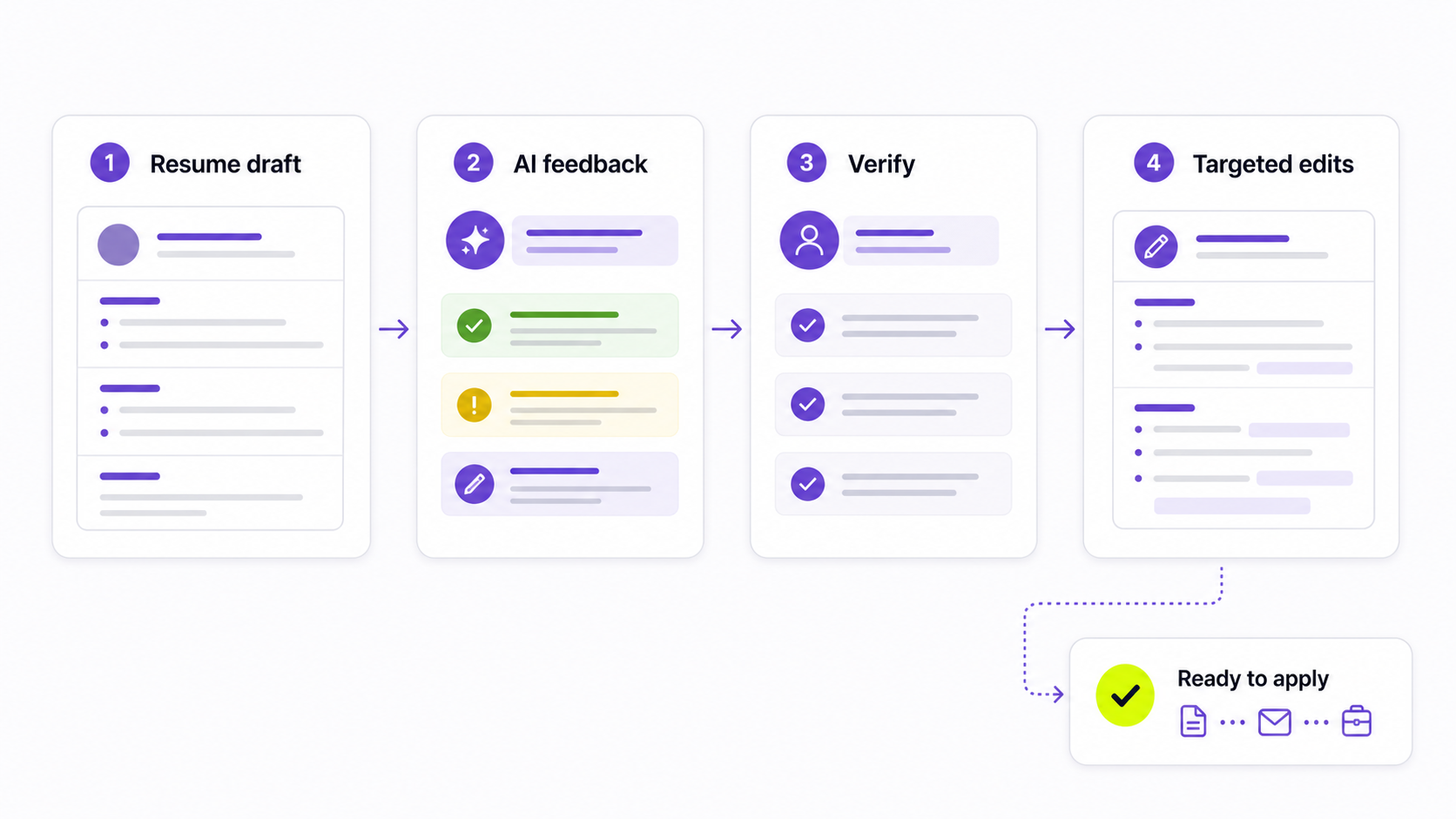
AI can help you identify skills, group them, and rewrite vague skills into clearer language. It should not decide what is true.
Try this prompt:
I am tailoring my resume to this job description. Identify the required hard skills, soft skills, tools, certifications, and remote-work skills. Then compare them to my resume. Sort each skill into strong match, adjacent match, learning/exposure, or no evidence. Do not add skills that my resume does not support.
Job description:
[paste job description]
Resume:
[paste resume]
Then use a second prompt:
Rewrite my skills section for this role. Group related skills. Use only skills supported by my resume. Keep the section concise and ATS-readable. After the skills section, list the top 5 skills I should prove in work experience bullets.
Review the output carefully. Remove anything that sounds inflated, unsupported, or unlike you.
You can also use the Himalayas AI resume builder to organize your resume and the job description keyword finder to identify role-specific terms before you edit. Afterward, run an AI resume review to catch vague skills, missing proof, and unsupported claims.
Resume skills checklist
Before applying, check your skills section:
- Did I choose skills from the target job description?
- Did I include the required skills I can honestly support?
- Did I leave out skills I cannot explain?
- Did I group related skills clearly?
- Did I avoid generic traits and filler?
- Did I prove the most important skills in bullets, projects, or certifications?
- Did I use standard section headings and readable formatting?
- Did I avoid keyword stuffing?
- Did I tailor this version for one role?
- Did I save the version I submitted?
If you tailor different resumes for different roles, track which version you used in the Himalayas job application tracker.
FAQ
What skills should I put on my resume?
Put skills that match the job description, reflect your real experience, and help the employer understand why you fit the role. Prioritize required tools, technical skills, certifications, role-specific responsibilities, and soft skills you can prove with examples.
Should I include soft skills on my resume?
Yes, but do not rely on a generic soft-skill list. Soft skills are more convincing when you show them through work experience bullets. Instead of listing "communication," show the audience, situation, and outcome, such as async updates, customer escalations, stakeholder presentations, or team documentation.
How many skills should be on a resume?
Most job seekers should list 8-15 targeted skills in the skills section. Technical resumes may include more if the skills are grouped clearly. A shorter relevant list is stronger than a long unfocused list.
Should skills go before or after work experience?
For most resumes, put a short skills section near the top, after the summary and before work experience. If you are highly technical, changing careers, or applying for a role where tools matter heavily, a stronger skills section near the top can help. Work experience still needs to prove the most important skills.
Can I list skills I am currently learning?
Yes, if you label them honestly. Use phrasing such as "currently learning," "coursework in," "project experience with," or "basic exposure to." Do not present a learning skill as professional experience.
Are resume skills the same as resume keywords?
They overlap, but they are not the same. Resume keywords are the words employers use in a job description. Resume skills are the abilities you actually bring. The best resume uses relevant keywords only where they match real skills and proof. For deeper guidance, read How to Use Resume Keywords.
How do I make my skills ATS-friendly?
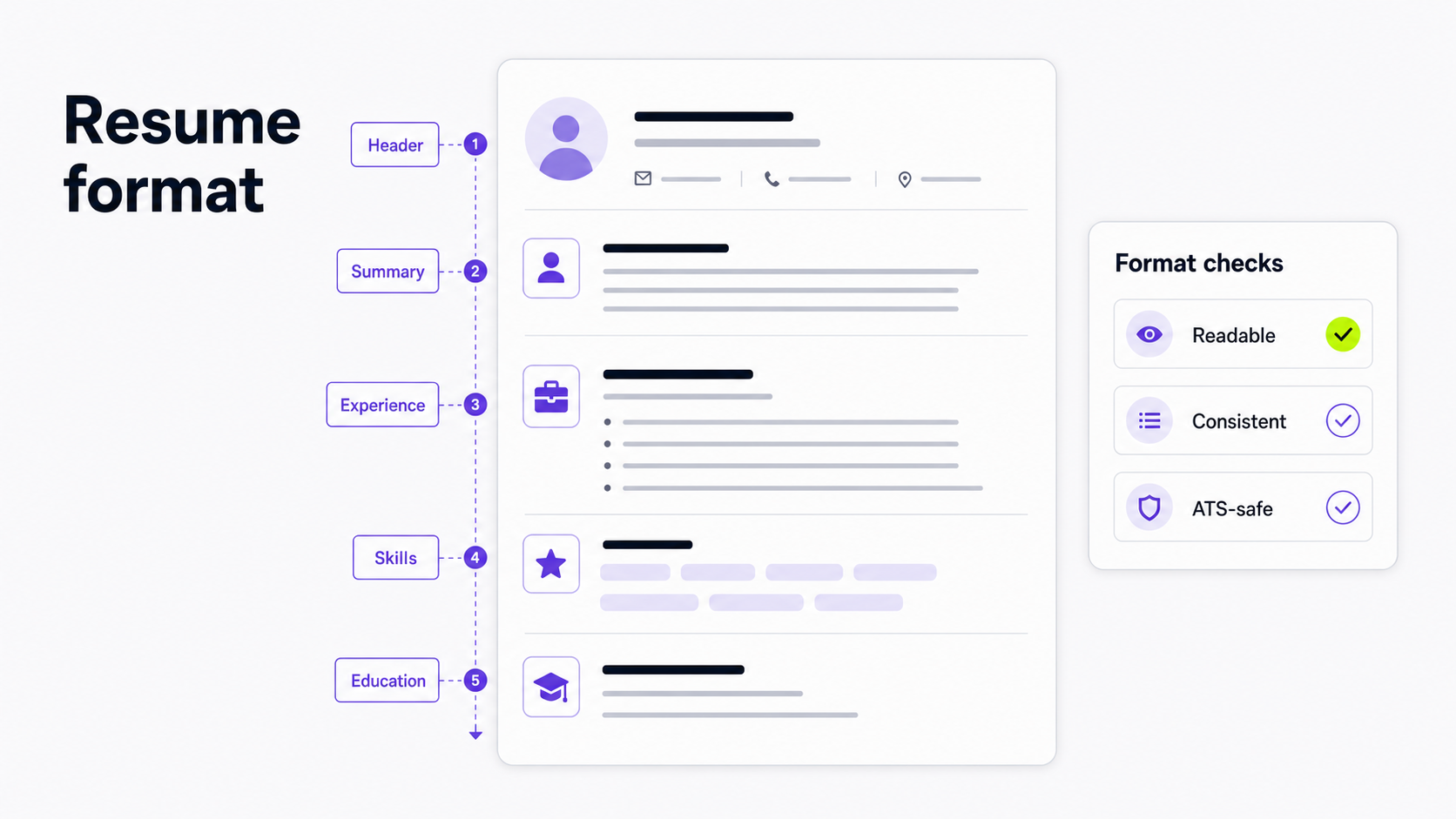
Use standard section headings, text-based formatting, clear skill names, and relevant job-description language. Avoid icons, skill bars, images, and hidden keywords. For formatting details, read How to Make an ATS-Friendly Resume.
Final thoughts
A good skills section is not a list of everything you can do. It is a focused signal that helps a recruiter quickly understand your fit.
Start with the job description, choose the skills you can prove, group them clearly, and back up the most important ones in your resume bullets. Then tailor the final version for the role before you apply.
When your skills section is ready, use the Himalayas AI resume builder to turn it into a clean resume, search remote jobs, and track each tailored version as you apply.