To make an ATS-friendly resume, use a clean layout, standard section headings, relevant keywords from the job description, and clear work experience bullets that prove you have the required skills. Avoid tables, graphics, text boxes, unusual section names, and keyword stuffing.
An ATS-friendly resume is not a resume written only for software. It still needs to make sense to a recruiter. The best version is easy for an applicant tracking system to parse and easy for a person to skim.
What is an ATS-friendly resume?
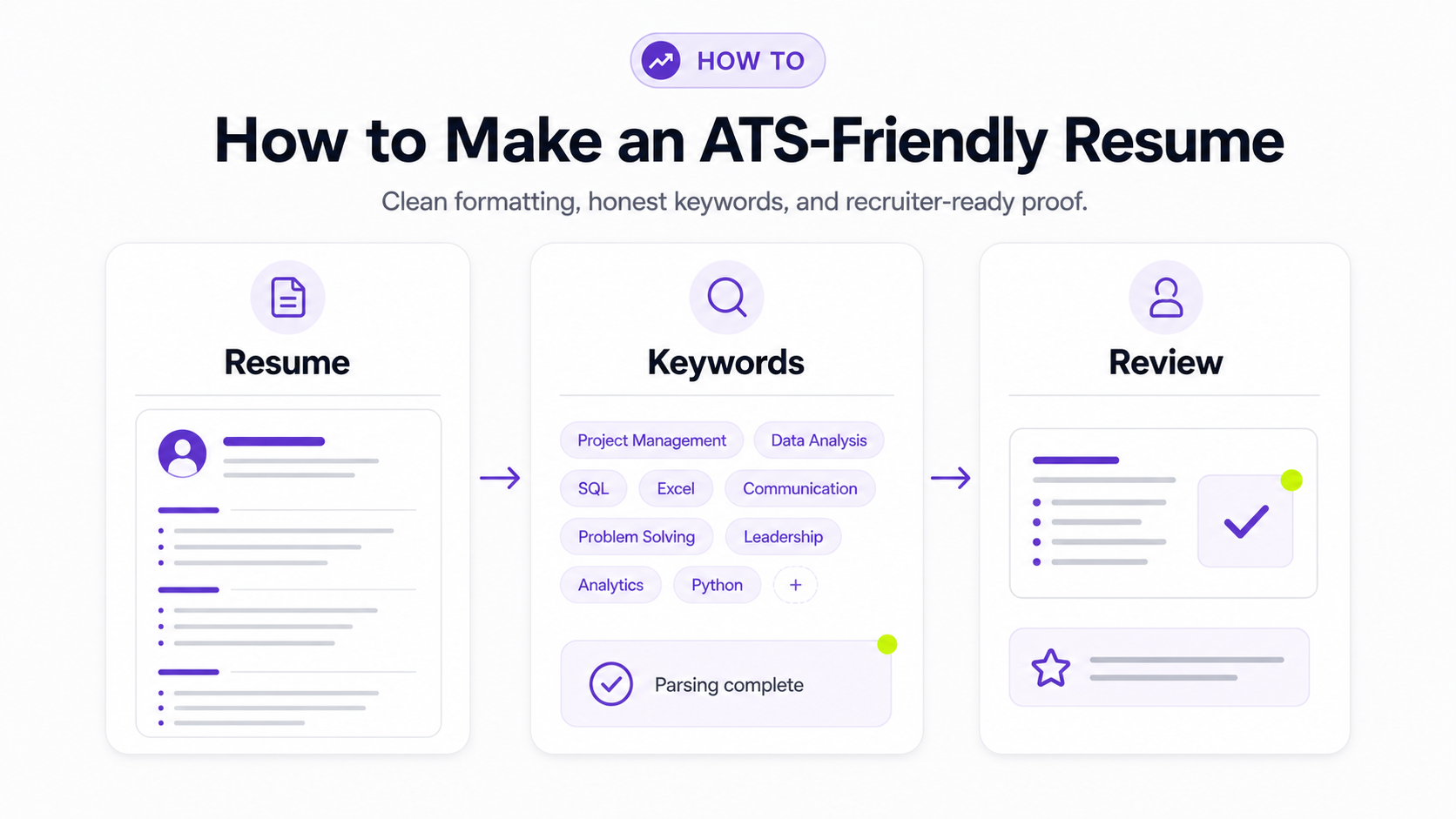
An ATS-friendly resume is a resume that applicant tracking systems can read accurately.
An applicant tracking system, or ATS, is software employers use to collect applications, store resumes, parse candidate information, and help recruiters search or filter applicants. When you upload a resume to an online application, the ATS may extract your name, contact details, job titles, dates, education, skills, and certifications.
If your resume uses confusing formatting, the system may parse it badly. If your resume uses none of the language from the job description, a recruiter searching the ATS may not find you for the right terms. If your resume is stuffed with keywords but does not prove the skills, a human reviewer will still move on.
Your goal is simple:
- Make the resume parse cleanly.
- Match the role honestly.
- Give recruiters proof that you can do the work.
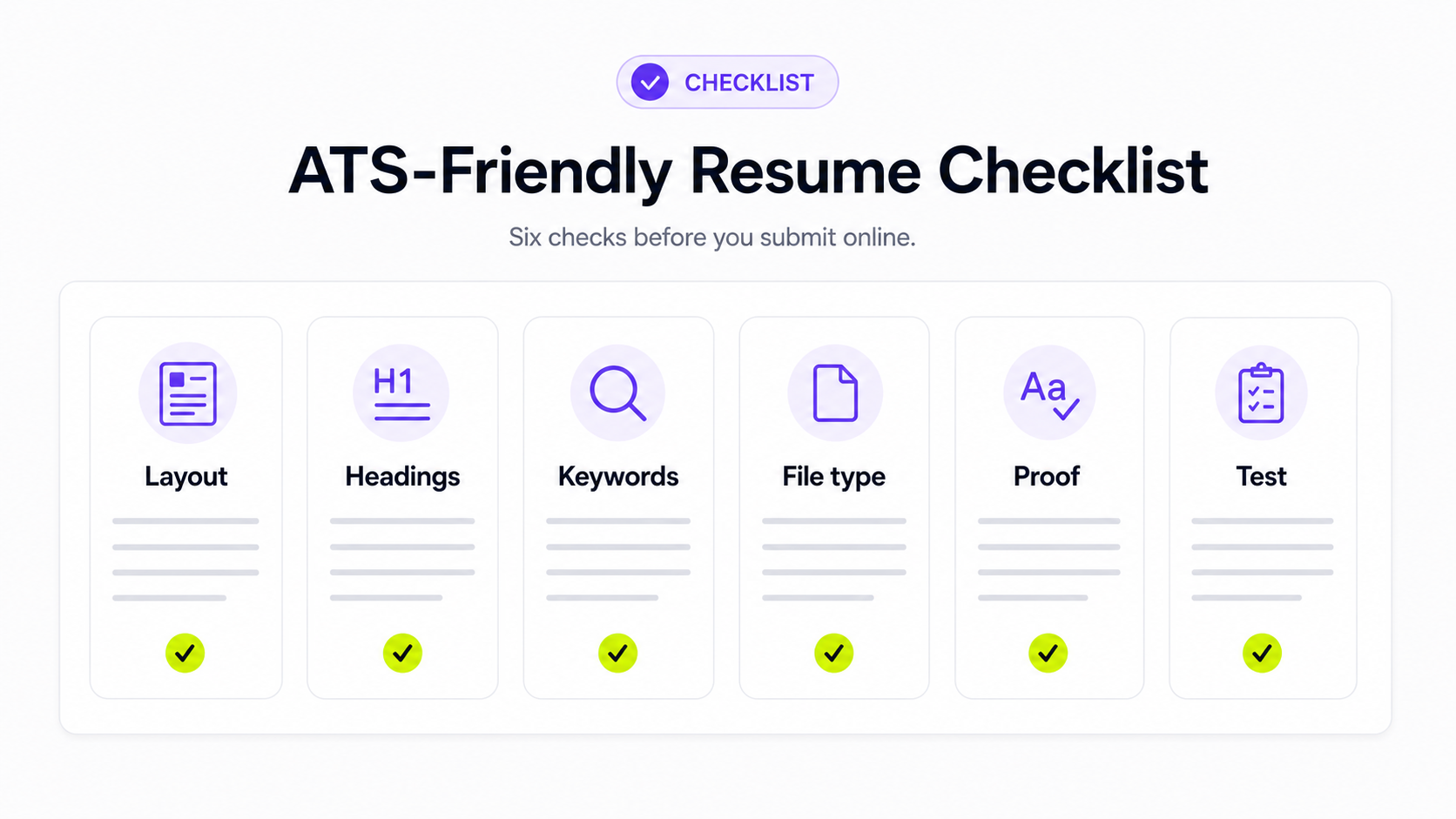
ATS-friendly resume checklist
Use this checklist before submitting your resume online:
- Use a simple one-column layout.
- Use standard section headings like "Summary," "Skills," "Work Experience," "Education," and "Certifications."
- Put your name and contact information in normal body text, not only in a header, footer, image, or text box.
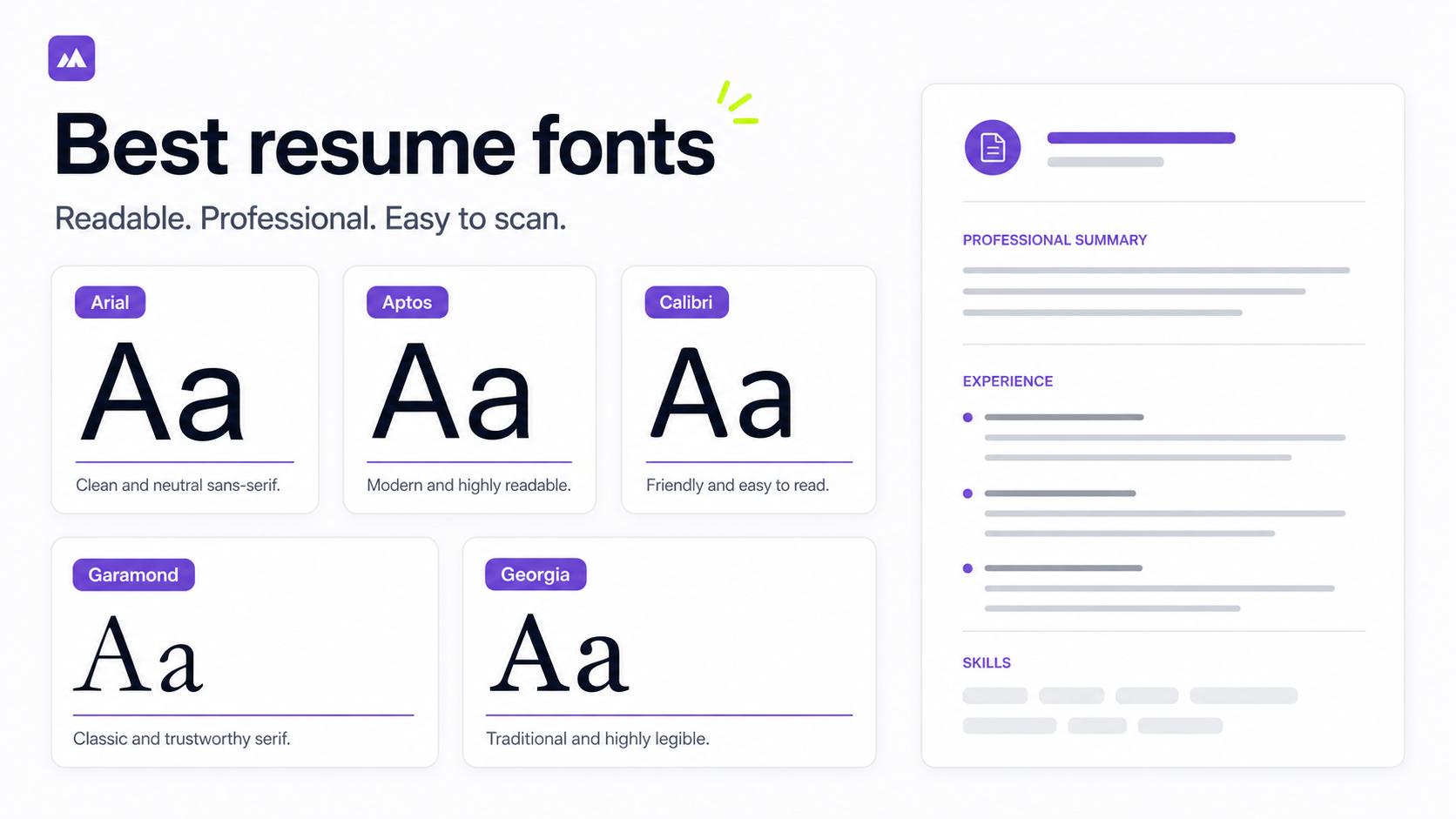
- Use a standard font such as Arial, Calibri, Garamond, Georgia, Helvetica, or Times New Roman.
- Avoid tables, charts, icons, images, and decorative columns.
- Use the job description to choose relevant skills and keywords.
- Include both acronyms and full terms when the job posting uses both, such as "Search Engine Optimization (SEO)."
- Use clear job titles, employer names, locations, and dates.
- Save the file type requested by the employer.
- Copy your resume into a plain text document to check whether the content appears in the right order.
If the plain text version is scrambled, missing sections, or reading columns in the wrong order, simplify the layout before applying.
The best ATS resume format
For most job seekers, the best ATS resume format is a reverse chronological resume. It starts with your most recent work and moves backward. Recruiters understand it quickly, and ATS software can usually parse it cleanly.
A strong section order is:
- Contact information
- Professional summary
- Skills
- Work experience
- Projects, if relevant
- Education
- Certifications
Use a combination format only if you need to foreground skills before experience, such as when you are changing careers or returning after a gap. Be careful with fully functional resumes that hide dates and job history. They can be harder for recruiters to evaluate and may not parse as clearly.
How to make your resume ATS-friendly
Start with the job you want, not a generic resume you send everywhere. ATS-friendly resumes work best when the formatting is clean and the content is targeted to a specific role.
1. Start with a clean template
Use a simple document with one column and clear text hierarchy. You do not need a plain, ugly resume, but you should avoid designs where the visual layout matters more than the words.
Avoid putting important information in:
- Text boxes
- Tables
- Icons
- Images
- Sidebars
- Headers or footers
- Charts or skill bars
Those elements can look polished in a PDF but parse unpredictably in some systems.
2. Use standard section headings
Applicant tracking systems and recruiters both expect familiar headings. Use:
- Summary
- Skills
- Work Experience
- Education
- Certifications
- Projects
Avoid clever labels such as "My Journey," "Where I Have Made an Impact," or "Tools I Love." A recruiter may understand them, but they add unnecessary parsing risk.
3. Match the target job title honestly
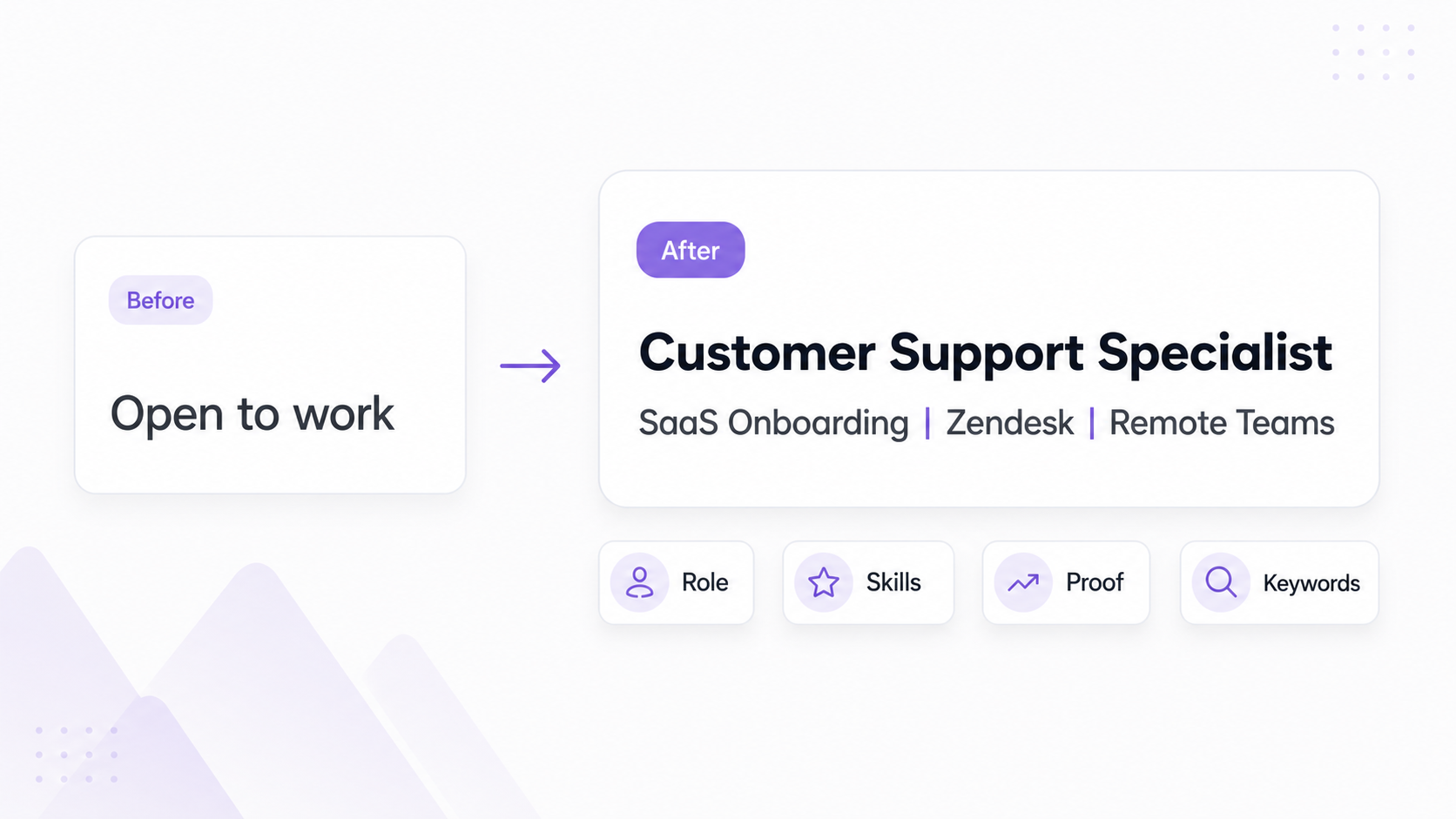
If the job posting says "Customer Success Manager" and your experience is in account management, you can use a summary line like:
Customer success and account management professional with 5 years of experience supporting B2B SaaS clients.
Do not change your actual past job title to a title you never held. Instead, use your summary and bullets to show the overlap honestly.
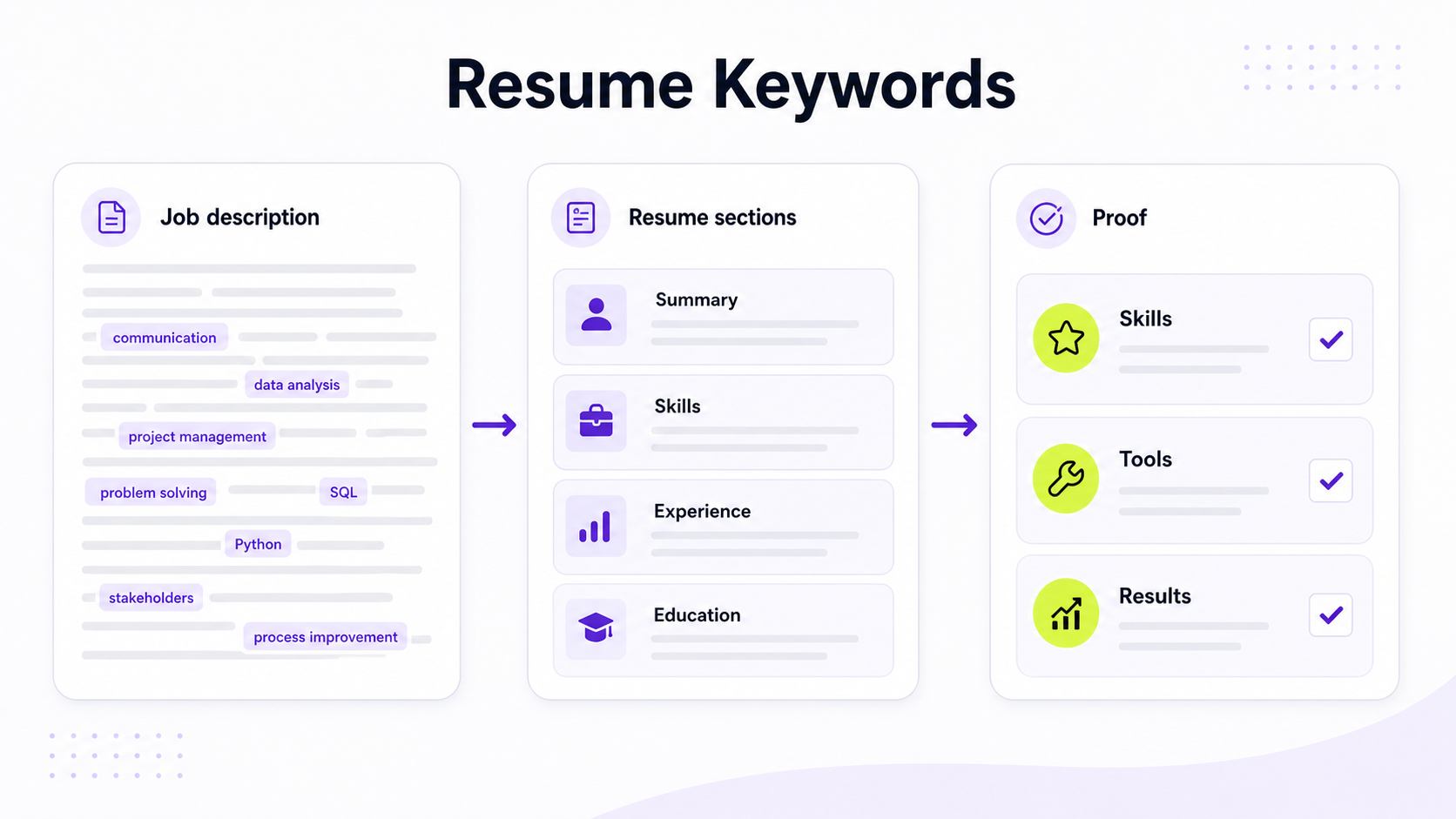
4. Pull keywords from the job description
Read the job description and highlight:
- Required skills
- Tools and software
- Certifications
- Job title variants
- Industry terms
- Responsibilities repeated more than once
- Remote-work requirements, if relevant
You can use the Himalayas job description keyword finder to pull out important terms before tailoring your resume.
Prioritize required qualifications over nice-to-have phrases. A job posting that mentions "SQL" ten times is sending a stronger signal than a posting that mentions "team player" once.
5. Put keywords where they make sense
Use keywords in places where they reflect real experience:
- Professional summary
- Skills section
- Work experience bullets
- Project descriptions
- Certifications
Weak keyword use:
Skills: SQL, dashboards, stakeholder management, project management, communication, leadership, collaboration, analytics, reporting, operations, strategy.
Better keyword use:
Built SQL dashboards in Looker to track weekly onboarding completion, giving customer success managers clearer visibility into delayed accounts.
The second version is stronger because it includes keywords and proof.
6. Rewrite bullets as proof, not keyword lists
ATS keywords help only if the rest of the resume supports them. Use resume bullets to show what you did, how you did it, and why it mattered.
Use this formula:
Action verb + work + scope + result
For example:
Analyzed support ticket trends across Zendesk and Salesforce, identifying 3 recurring onboarding issues that informed new help center documentation.
That bullet includes tools, work, scope, and a result. It is more useful than "Zendesk, Salesforce, onboarding, documentation."
For more examples, read How to Write Resume Bullet Points. If you need help finding real numbers, read How to Quantify Resume Achievements.
7. Remove formatting that can break parsing
Before applying, simplify anything that could confuse the parser:
- Replace tables with normal bullet lists.
- Replace skill bars with plain skill names.
- Remove icons next to email, phone, LinkedIn, or portfolio links.
- Keep dates in a consistent format.
- Keep each role in one clear block.
- Do not put two roles side by side.
Use bold sparingly for employer names, job titles, or section headings. Avoid relying on color or graphics to communicate meaning.
8. Save the file in the requested format
Follow the application instructions first. If the employer asks for a PDF, submit a PDF. If the form asks for DOCX, submit DOCX.
If there are no instructions, a text-based PDF or DOCX is usually safer than an image-based PDF. Do not upload a scanned resume. If you cannot select and copy the text from your PDF, the file may not be parseable.
9. Test your resume before submitting
Run a quick manual test:
- Open your resume.
- Select all the text.
- Copy it.
- Paste it into a plain text editor.
- Check whether your name, contact information, headings, job titles, dates, bullets, skills, and education appear in the right order.
This will not perfectly simulate every ATS, but it catches many formatting problems before you apply.
How to choose ATS resume keywords
The best ATS resume keywords come from the job description, not a generic list.
Look for these categories:
| Keyword type | Examples | Where to use it |
|---|---|---|
| Hard skills | SQL, Figma, Python, financial modeling | Skills section and work bullets |
| Tools | Salesforce, HubSpot, Google Analytics, Jira | Skills section and work bullets |
| Certifications | CPA, PMP, SHRM-CP, AWS Certified Cloud Practitioner | Certifications and summary |
| Role terms | customer onboarding, account expansion, incident response | Summary and work bullets |
| Industry terms | HIPAA, SOC 2, demand generation, lifecycle marketing | Summary and work bullets |
| Remote terms | async communication, distributed team, timezone overlap | Summary and work bullets when true |
Use exact phrases when they match your experience. If the job posting says "customer onboarding" and you usually write "client setup," consider using both:
Led customer onboarding and client setup for 25+ new accounts per quarter.
Do not paste every keyword into a skills section. Recruiters can see keyword stuffing, and it weakens trust.
ATS-friendly resume example
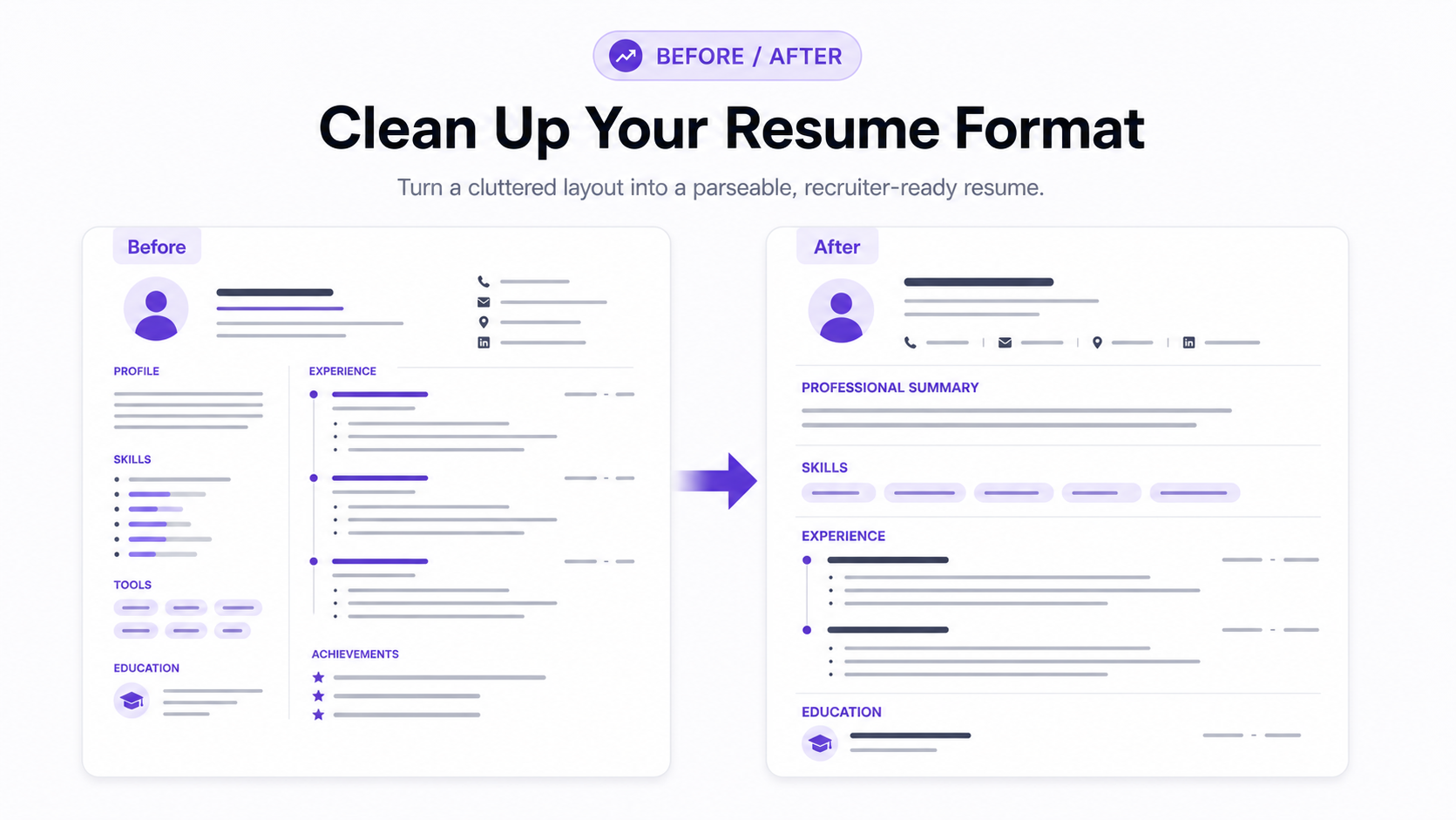
Here is a simple before-and-after example for a remote customer success role.
Before:
Experience
Customer Success
Worked with customers and helped with onboarding. Used lots of tools. Responsible for renewals and calls.
Skills
Communication, leadership, teamwork, organized, SaaS, remote, customer success, onboarding, CRM, dashboards.
After:
Work Experience
Customer Success Specialist | Acme Software | Remote | 2022-Present
- Led customer onboarding for 30+ B2B SaaS accounts per quarter, coordinating kickoff calls, setup tasks, and handoffs across Salesforce and Notion.
- Built weekly adoption dashboards in HubSpot, helping the customer success team identify accounts with delayed setup milestones.
- Supported customers across US and EU timezones using Zoom, Slack, and async documentation, reducing repeated setup questions during onboarding.
Skills
Customer onboarding, account management, HubSpot, Salesforce, Notion, SaaS, async communication, distributed teams, customer adoption
The second version is better because it uses standard headings, includes relevant keywords naturally, and proves the work with scope and tools.
Common ATS resume mistakes
Keyword stuffing
A resume is not stronger because the same keyword appears 20 times. Use important terms naturally and back them up with evidence.
Hidden keywords
Do not hide white text keywords in the margins. It is dishonest, it can create parsing issues, and it will damage trust if a recruiter notices it.
Overdesigned templates
Creative templates can work for portfolios or networking, but they are risky for online applications. If you want a designed version, keep a simpler ATS-friendly version for job portals.
Nonstandard section names
"Career Story" is less useful than "Work Experience." Save personality for the summary and bullets.
Important content in graphics
If your skills appear only as icons or bars, the ATS may miss them. Write skills as text.
One generic resume for every job
An ATS-friendly resume is still targeted. If your resume does not reflect the role's required skills, clean formatting will not fix the mismatch.
Claiming skills you do not have
Do not add a keyword just because it appears in the posting. If you cannot discuss the skill in an interview, leave it out or frame your exposure honestly.
Ignoring knockout questions
Some application forms ask yes/no questions about work authorization, location, schedule, certifications, or required experience. A great resume will not override a non-negotiable requirement you do not meet.
ATS myths to ignore
"Every ATS automatically rejects resumes"
ATS software helps employers manage applications, but rejection usually depends on the employer's requirements, recruiter workflow, application questions, and your fit for the role. Formatting matters, but it is not the only factor.
"You need a perfect ATS score"
Resume scanners can be useful, but a score is not the same thing as a hiring decision. Aim for a resume that is parseable, relevant, and truthful.
"PDFs are always bad"
Some systems accept PDFs well, especially text-based PDFs. The safest answer is to follow the employer's instructions. If there are no instructions, use a clean text-based PDF or DOCX.
"More keywords always means a better resume"
Relevant keywords help recruiters find your experience. Random keywords make the resume weaker.
"Humans never read resumes"
Recruiters still read resumes. ATS-friendly formatting helps your resume enter the workflow cleanly, but the content still needs to persuade a person.
How to make a remote-job resume ATS-friendly
Remote jobs often have constraints that are easy to miss. If they apply to you, make them explicit:
- Remote experience
- Distributed-team experience
- Async communication
- Timezone overlap
- Work authorization
- Country or state eligibility
- Remote collaboration tools
- Written documentation
- Self-management
For example:
Coordinated product launches across a distributed team in 4 timezones, using Notion, Slack, and Loom to keep decisions documented asynchronously.
That bullet is stronger than simply listing "remote work" in your skills section. It shows how you worked remotely.
For a deeper remote-focused walkthrough, read How to Write Your Remote Job Resume.
Quick ATS-friendly resume template
Use this structure as a starting point:
Name
City, State or Country | Email | Phone | LinkedIn | Portfolio
Summary
Role-aligned summary with years of experience, target role, industry, and 2-3 core strengths.
Skills
Skill 1, Skill 2, Tool 1, Tool 2, Certification, Relevant industry term
Work Experience
Job Title | Company | Location or Remote | Dates
- Action verb + work + scope + result.
- Action verb + tool/skill + project + business reason.
- Action verb + collaboration/context + outcome.
Education
Degree or program | School | Date, if useful
Certifications
Certification | Issuer | Date, if useful
If you want to build from a target role instead of a blank page, use the Himalayas AI resume builder and compare the result against the checklist above.
FAQ
What makes a resume ATS-friendly?
An ATS-friendly resume uses simple formatting, standard section headings, parseable text, and relevant keywords from the job description. It avoids tables, images, text boxes, and decorative layouts that can confuse parsing.
What format is best for ATS?
A reverse chronological resume is usually best because it is familiar to recruiters and easy for ATS software to parse. Use clear sections for summary, skills, work experience, education, and certifications.
Can ATS read PDF resumes?
Many systems can read text-based PDFs, but not every employer handles files the same way. Follow the application instructions. If no format is specified, a clean text-based PDF or DOCX is usually safer than a scanned or image-heavy file.
Should I include a skills section?
Yes, include a skills section for hard skills, tools, certifications, and role-specific terms. Keep it honest and concise. The strongest keywords should also appear in your work experience bullets where they are backed by proof.
How many keywords should an ATS resume have?
There is no universal number. Focus on the required skills and terms that match your actual experience. A smaller set of relevant keywords with strong proof is better than a long list of unrelated terms.
How do I know if my resume passed the ATS?
You usually will not know. Instead of trying to read the ATS, control what you can: use clean formatting, tailor the resume to the job, answer application questions accurately, and test whether your resume text copies into plain text in the right order.