

The best resume tips are simple: tailor your resume to the job, lead with your strongest evidence, write achievement-focused bullet points, keep the format easy to scan, and proofread every version before you apply. A strong resume does not list everything you have done. It makes the most relevant proof easy for a recruiter to find quickly.
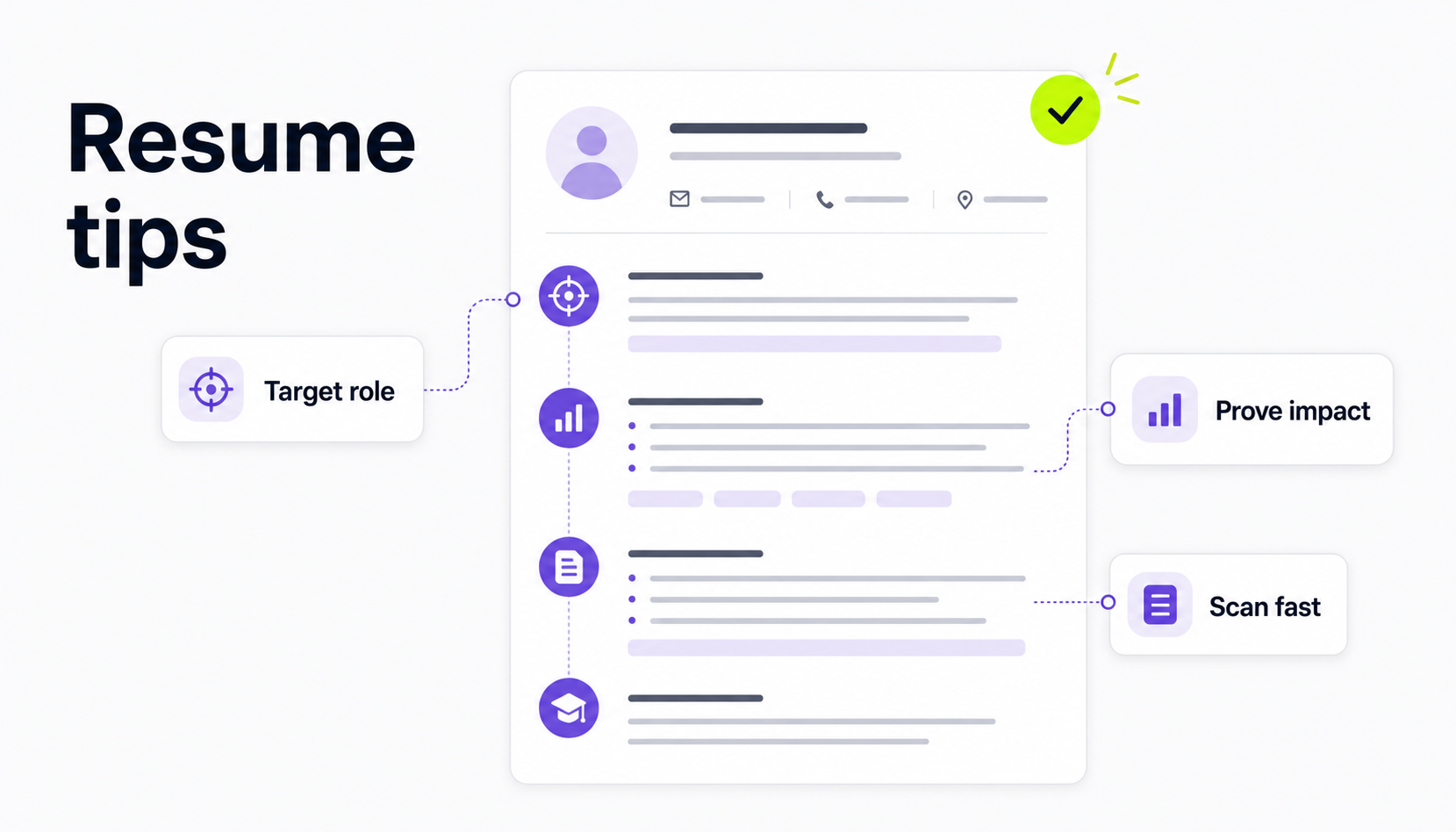
Use these resume tips when you already have a draft and want to improve it before applying.
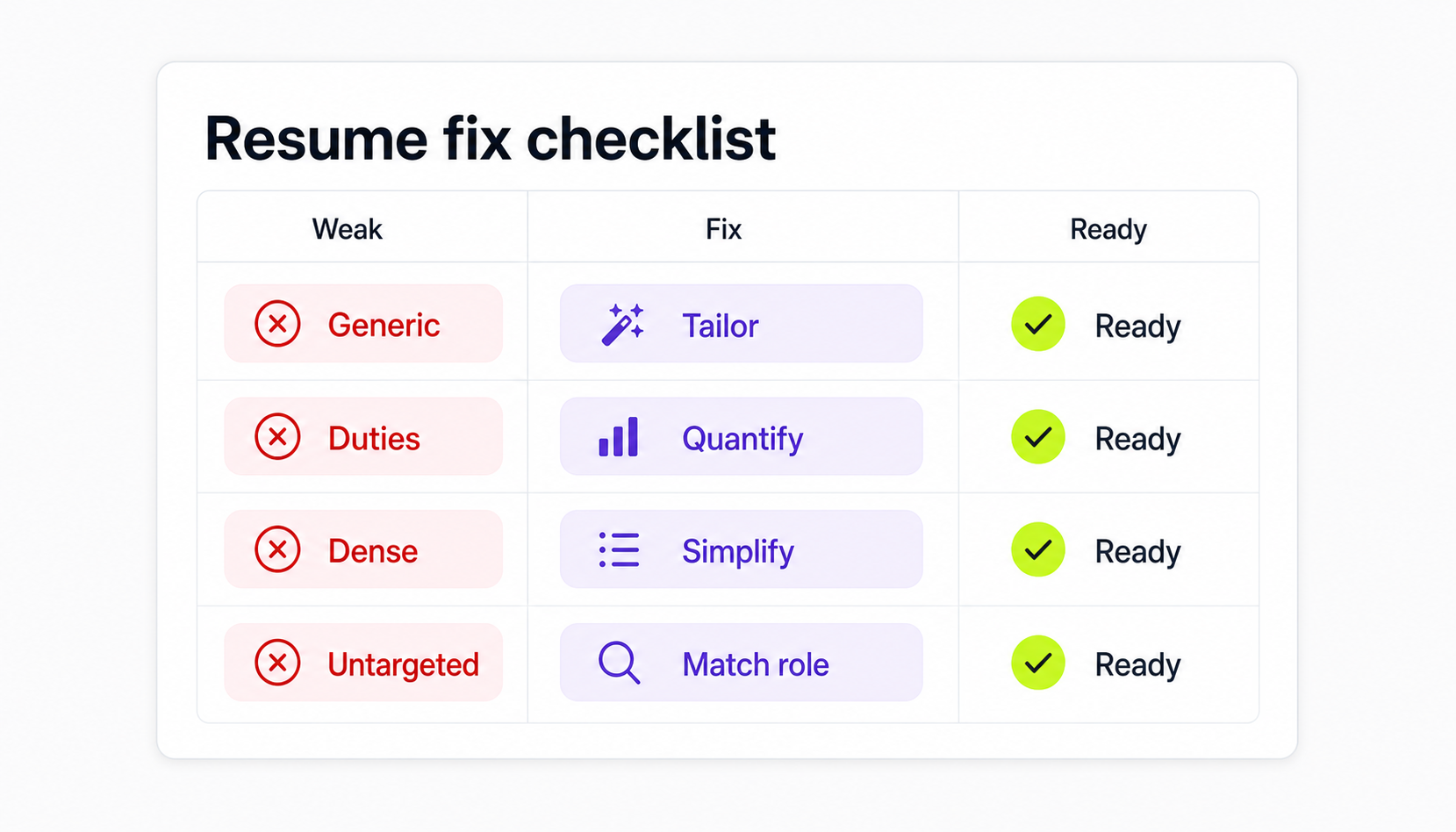
1. Start with the job description
Do not improve your resume in the abstract. Start with one real job description and ask what the employer is actually trying to hire.
Look for:
- required skills and tools
- job title and seniority level
- repeated verbs, such as manage, build, analyze, support, sell, design, or troubleshoot
- outcomes the role owns
- remote-work expectations, such as async communication, timezone overlap, documentation, or distributed team experience
Then compare the job description with your resume. Your goal is not to copy the posting. Your goal is to make the right experience easier to find.
If you want a faster first pass, use the Himalayas job description keyword finder to pull out important terms, then decide which ones you can honestly support with experience.
2. Put your strongest evidence in the first third
Recruiters scan before they read. The top third of your resume should quickly answer three questions:
- What role are you targeting?
- What proof do you have?
- Why are you a credible match for this job?
For most job seekers, that means your contact details, headline or summary, and first experience entry need to be especially clear. If you bury your best achievement halfway down page two, many readers will never get there.
This does not mean you need a loud design. It means the first screen of the resume should carry the strongest signal: a relevant title, a focused summary, recent matching experience, or a skills section that supports the job.
For deeper structure guidance, use the Himalayas guide to resume sections and the guide to resume format.
3. Use standard resume sections
Creative headings make your resume harder to scan. Use familiar labels such as:
- Work Experience
- Education
- Skills
- Projects
- Certifications
- Volunteer Experience
You can still customize what each section contains. The heading should be boring so the evidence can stand out.
If you are changing careers, returning to work, or applying with limited experience, add sections that prove relevant skills: projects, coursework, volunteer work, freelance work, certifications, or portfolio links. Do not add a section only because a template includes it.
4. Make bullet points prove something
Weak resume bullets describe duties. Strong bullets show scope, action, and result.
Instead of:
Responsible for customer support tickets.
Write:
Resolved 45-60 customer support tickets per week while documenting repeat issues for the product team.
A useful bullet often follows this pattern:
Action verb + work performed + scope or context + result
Not every bullet needs a revenue number. You can show proof with volume, frequency, size, speed, quality, complexity, customer type, stakeholder group, tools used, or before-and-after improvement.
For more examples, use the Himalayas guides to writing resume bullet points and quantifying resume achievements.
5. Add keywords honestly
Resume keywords help recruiters and applicant tracking systems understand your fit. They are usually job titles, tools, skills, methods, credentials, industries, or responsibilities from the posting.
Good keyword use is honest and specific:
- Put skills you actually have in your skills section.
- Use important tools in bullet points where you used them.
- Mirror standard terminology when it matches your experience.
- Avoid stuffing a keyword list into the resume footer.
For example, if a job description asks for remote stakeholder management, do not just add that phrase to a skills list. Show proof: "Coordinated weekly roadmap updates across product, support, and engineering teams in three time zones."
The Himalayas guide to resume keywords explains how to choose and place keywords without making your resume sound artificial.
6. Keep only relevant information
Your resume is not a career archive. Every line should help the reader understand why you fit the target role.
Cut or reduce:
- old jobs that no longer support your target
- unrelated tasks from early career roles
- generic soft skills with no proof
- outdated tools
- personal details that do not belong on a resume
- references available upon request
Keep or expand:
- recent relevant achievements
- work similar to the target role
- tools and skills from the job description
- measurable outcomes
- remote-work proof when applying to remote roles
- projects that fill experience gaps
If a detail is impressive but unrelated, decide whether it belongs in a shorter line, a lower section, or a LinkedIn profile instead.
7. Make the resume easy to read
A recruiter should not have to decode your layout. Use a clean, ATS-friendly format:
- one or two standard fonts
- clear section headings
- consistent dates
- bullets instead of dense paragraphs
- enough whitespace
- standard margins
- PDF unless the employer asks for another file type
Avoid text boxes, graphics that contain important text, unusual columns, and decorative icons that could make parsing harder. A resume can look polished without becoming a design project.
If you are unsure whether your layout is safe, read the Himalayas guide to making an ATS-friendly resume.
8. Use a focused summary, headline, or objective
You do not need all three. Pick the opening that solves your current problem:
| Opening | Best when | Example use |
|---|---|---|
| Resume headline | You want a short role signal | Customer Support Specialist |
| Resume summary | You have relevant experience to summarize | Three-line snapshot of experience, tools, and outcomes |
| Resume objective | You are entry-level, changing careers, or returning to work | One or two lines connecting your goal to relevant proof |
If your opening is vague, cut it. "Hardworking professional seeking growth opportunity" does not help. A useful opening names the role, the evidence, and the direction.
9. Proofread like the reader is looking for reasons to say no
Small mistakes create doubt. Before you submit, check:
- phone number and email address
- links and portfolio URLs
- dates and job titles
- tense consistency
- repeated words
- bullet punctuation
- spelling of tools, companies, and certifications
- file name
Read the resume once on screen and once as a PDF. If possible, send it to yourself and open it on another device. Formatting issues are easier to catch when you view the resume the way an employer might.
10. Save a base resume and a tailored version
Keep one master resume with more detail than you normally submit. Then create a tailored version for each role.
Your tailored version should change:
- summary or headline
- skills order
- first few bullets under relevant roles
- project selection
- keywords that match the job
Do not rewrite your whole resume from scratch every time. Update the parts that change the reader's first impression.
Himalayas has a full guide on how to tailor your resume to a job description if you want a step-by-step process.
Common resume mistakes to avoid
The biggest resume mistakes usually come from trying to do too much:
- using the same resume for every job
- listing duties without proof
- stuffing keywords
- making the design harder to read
- adding too many irrelevant jobs or skills
- hiding strong achievements too low
- sending a resume with typos or broken links
If you want a more complete review, use the Himalayas guide to resume mistakes before you apply.
Resume tips checklist
Before submitting your resume, ask:
- Does the top third match the target role?
- Did I use the job description to choose keywords?
- Do my strongest bullets show proof, not just tasks?
- Are my section headings standard?
- Is the format easy to scan?
- Did I remove irrelevant information?
- Did I proofread contact details and links?
- Did I save the file with a clear name?
If you want help turning these checks into a stronger draft, try the Himalayas AI resume builder after you know the role you are targeting.
FAQ
What is the most important resume tip?
The most important resume tip is to tailor your resume to the job. A generic resume forces the employer to do the matching work. A tailored resume makes your relevant experience, skills, and proof easy to find.
How long should a resume be?
Most job seekers should use one page if they are early in their career and one to two pages if they have enough relevant experience to justify the space. Length matters less than relevance. Do not stretch a resume with filler, and do not cut useful proof only to obey a one-page rule.
Should I use AI to improve my resume?
Yes, but use AI as an editor, not as a source of invented experience. AI can help you find missing keywords, tighten bullets, compare your resume with a job description, and spot unclear phrasing. You still need to verify every claim.
What should I remove from my resume?
Remove irrelevant old tasks, generic soft skills, outdated tools, personal details, references available upon request, and anything you cannot confidently explain in an interview.
How often should I update my resume?
Update your base resume whenever you complete a major project, earn a credential, change roles, or hit a measurable result. Tailor a copy of that resume for each serious application.



