

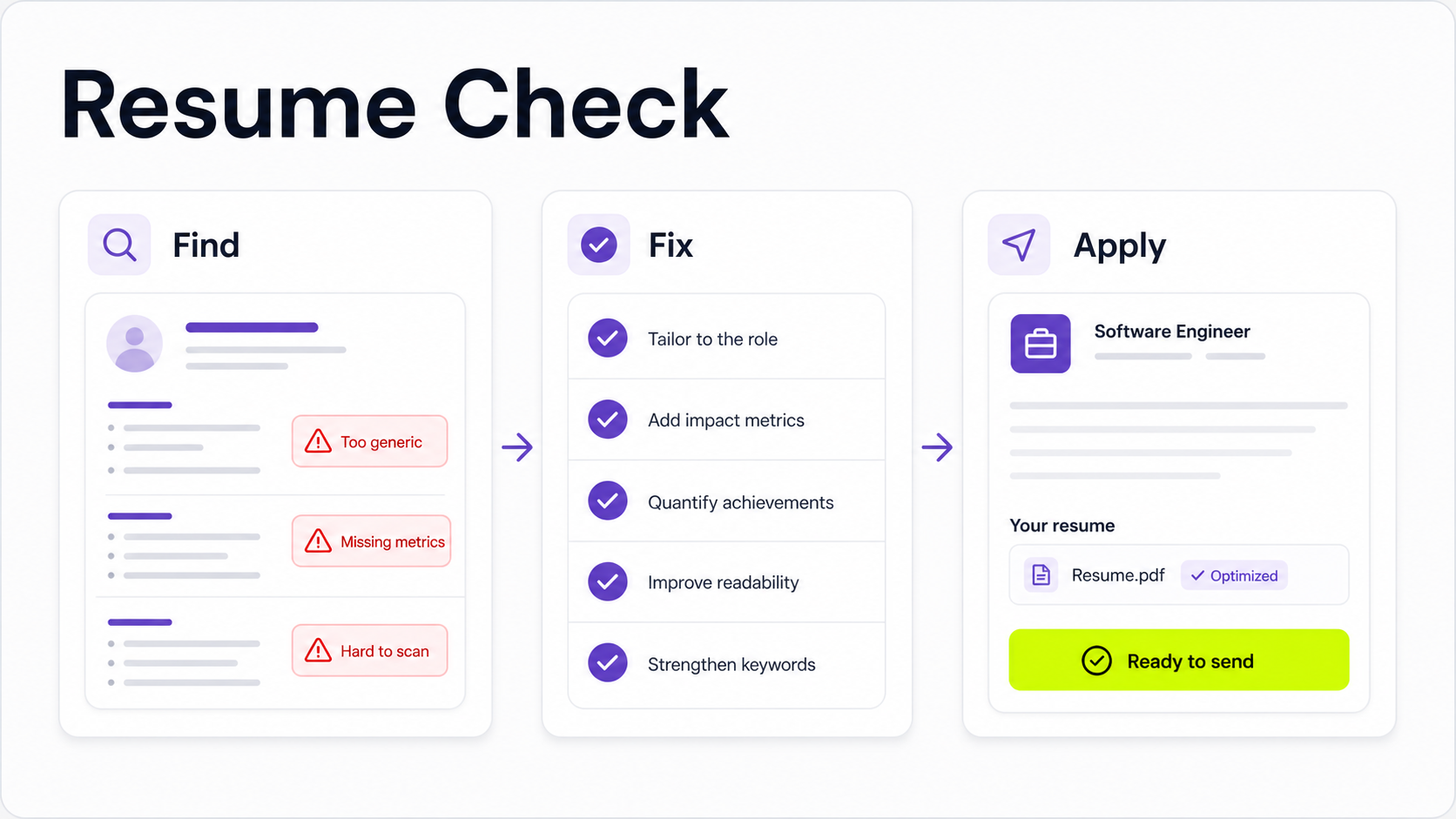
The most common resume mistakes are not tiny style preferences. They are issues that make your resume hard to parse, hard to scan, or hard to connect to the job you want.
Before you rewrite every line, fix the problems in this order:
- Make sure your resume is readable by both people and applicant tracking systems.
- Make the first page easy to scan in a few seconds.
- Tailor the content to the role.
- Replace duties with specific achievements.
- Proofread the details that can quietly disqualify you.
Use the mistakes below as a diagnostic checklist. If one sounds familiar, fix that issue first, then move to the deeper guide linked in that section.
1. Using the same resume for every job
A generic resume asks the hiring team to figure out why you fit the role. That is a risky bet, especially when the job description already tells you what the employer cares about.
The fix is not to rewrite your whole resume from scratch for every application. Keep a strong master resume, then tailor the version you submit. Adjust the summary, skills, bullets, and project order so the most relevant evidence appears first.
Start with the job description. Highlight repeated skills, tools, responsibilities, and outcomes. Then make sure your resume shows the same themes using honest language and real experience. Our guide on tailoring your resume to a job description walks through that process.
2. Listing duties instead of achievements
Many resumes read like job descriptions: responsible for customer support, managed projects, helped with reporting. Duties explain what the role required. Achievements show what changed because you were there.
Weak bullet:
Responsible for weekly customer reports.
Stronger bullet:
Built weekly customer health reports that helped account managers identify renewal risks earlier and reduce last-minute escalations.
The stronger version gives the reader an action, context, and outcome. For more examples, use our guide on writing resume bullet points.
3. Leaving out metrics, scope, and context
Not every job has obvious revenue numbers, but every good resume needs evidence. Without scope, a hiring manager cannot tell whether you supported 5 customers or 500, improved a process once or owned it every week, worked alone or coordinated across teams.
Add numbers where they are accurate:
- Volume: tickets handled, accounts supported, candidates screened, reports shipped.
- Time: hours saved, cycle time reduced, deadlines met, response time improved.
- Scale: team size, budget, regions, tools, systems, projects.
- Quality: error reduction, satisfaction scores, audit results, retention, conversion.
If you do not have a precise metric, add credible context instead: "supported a 12-person sales team," "owned onboarding documentation for three product lines," or "coordinated weekly releases across design, engineering, and support."
For a deeper workflow, read how to quantify resume achievements.
4. Making the resume hard to scan
Recruiters and hiring managers do not read resumes like essays. They scan for role fit, recent experience, skills, impact, and signs of risk.
Hard-to-scan resumes usually have dense paragraphs, inconsistent headings, tiny fonts, unclear dates, and bullets that all look the same. The fix is structure:
- Use clear section headings.
- Keep bullets to one or two lines where possible.
- Put the most relevant experience near the top.
- Use consistent date and location formatting.
- Leave enough white space for quick scanning.
- Choose a readable font and simple layout.
Our resume format guide explains the structure, and best fonts for a resume covers readability choices.
5. Using a format that can confuse ATS
Applicant tracking systems are better than they used to be, but complicated formatting can still create unnecessary risk. Two-column layouts, text boxes, graphics, icons, hidden text, and unusual section labels can make your resume harder to parse.
Use a simple, single-column resume for most online applications. Keep section labels familiar: Experience, Education, Skills, Projects, Certifications. Save creative versions for situations where a human directly asks for a portfolio-style resume.
If you are applying through job boards or company career sites, read how to make an ATS-friendly resume before sending another application.
6. Missing the right keywords
Keywords help connect your resume to the role. They also help recruiters search and filter candidate pools.
The mistake is either ignoring keywords completely or stuffing them into the resume unnaturally. The right approach is to use the employer's language where it accurately describes your experience, then back those terms with proof.
For example, if the job description asks for "customer onboarding," do not only write "worked with customers." If you have the experience, write a bullet that uses the phrase naturally and shows the work you did.
Our guide on resume keywords explains how to find, place, and prove the right terms.
7. Adding irrelevant or outdated information
More information does not always make a resume stronger. Old roles, unrelated coursework, stale software, personal details, and generic hobbies can push stronger evidence down the page.
Keep information if it helps answer one of these questions:
- Can this person do the work?
- Have they solved similar problems?
- Do they understand the tools, environment, or customers?
- Is there evidence of impact?
- Does this reduce risk for the hiring team?
If the answer is no, cut or compress it. Your resume is not your full career archive. It is a case for this role.
8. Writing a weak summary, objective, or headline
The top of your resume should quickly position you. A weak summary says something anyone could say: hardworking professional seeking a challenging opportunity. A weak objective focuses on what you want without explaining why you are relevant.
Use the top section to clarify your role, level, strongest fit, and proof points. For example:
Customer success manager with 6 years of SaaS experience, including onboarding, renewal risk management, and cross-functional account planning for mid-market customers.
If you need a summary, read resume summary examples. If you are early in your career, compare that with resume objective examples. If your resume uses a title line, see resume headline examples.
9. Listing skills without evidence
A skills section is useful, but it cannot carry the resume alone. If you list project management, SQL, onboarding, or stakeholder management, your experience section should prove those skills.
Use the skills section for scannability, then reinforce important skills in your bullets. This is especially important for technical tools, remote collaboration skills, and role-specific workflows.
For a structured approach, use how to list skills on a resume.
10. Ignoring remote-work fit when applying for remote roles
Remote job applications need the same fundamentals as any other resume, plus evidence that you can work well without constant in-person coordination.
Do not just write "remote" in the location line. Show remote-relevant proof:
- Async communication.
- Distributed-team collaboration.
- Documentation habits.
- Ownership across time zones.
- Tools such as Slack, Notion, Linear, Jira, Zoom, GitHub, or customer-support platforms.
- Results delivered without close supervision.
If you are applying for remote roles, use our guide on writing a remote job resume.
11. Leaving typos, inconsistent dates, or stale contact details
Small errors can make a careful candidate look rushed. Before applying, check:
- Name, email, phone, LinkedIn, portfolio, and location.
- Dates and job titles.
- Company names.
- Verb tense.
- Punctuation and capitalization.
- File name.
- Links in the PDF.
Read the resume out loud, use a spell checker, and review the final exported PDF. Do not only proofread the editable document.
12. Trusting AI output without editing it
AI can help you brainstorm, rewrite bullets, and compare your resume to a job description. It can also produce generic phrasing, inflated claims, awkward keywords, or bullets that sound polished but unsupported.
Use AI as a drafting partner, then verify every claim. Keep the details truthful, specific, and in your voice. If a bullet sounds impressive but you could not explain it in an interview, rewrite it.
For a safer workflow, read how to use ChatGPT to write a resume.
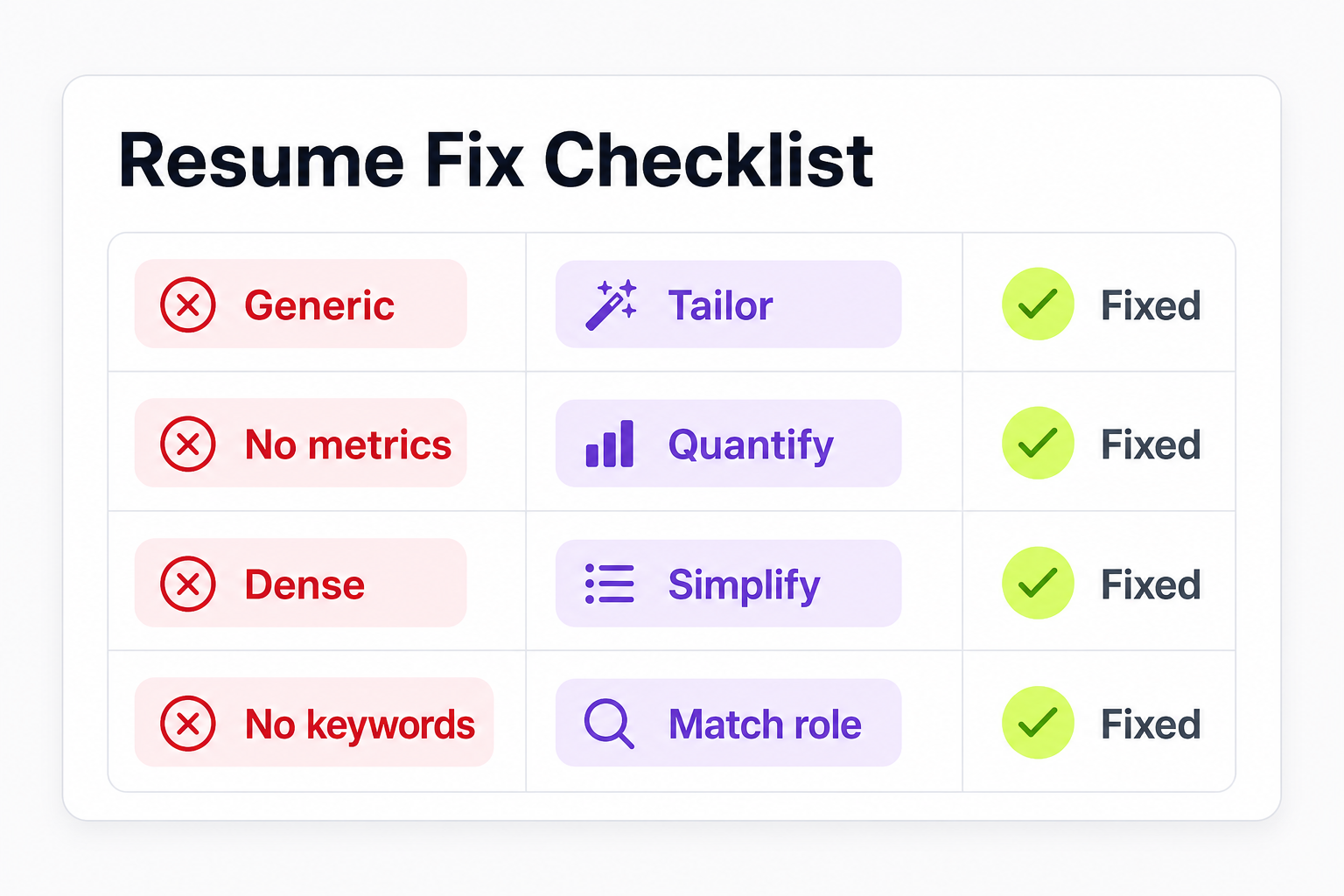
Resume mistake checklist
| Mistake | Why it hurts | Fix |
|---|---|---|
| Same resume for every job | The reader has to infer fit. | Tailor the summary, skills, and bullets to the role. |
| Duties without achievements | The resume shows activity, not value. | Rewrite bullets with action, context, and outcome. |
| No metrics or scope | Impact feels vague. | Add numbers, scale, frequency, or credible context. |
| Dense formatting | Key details are easy to miss. | Use clear sections, short bullets, and consistent spacing. |
| Complex ATS-unfriendly layout | Important content may parse poorly. | Use a simple single-column layout for online applications. |
| Missing keywords | Recruiters and systems may not connect you to the role. | Mirror important job-description terms honestly. |
| Irrelevant details | Strong evidence gets pushed down. | Cut anything that does not support this application. |
| Weak top section | The resume lacks positioning. | Use a specific summary, objective, or headline. |
| Skills without proof | Claims feel unsupported. | Reinforce core skills in experience bullets. |
| Unedited AI writing | Bullets can sound generic or inflated. | Verify, personalize, and make every claim interview-ready. |
What to fix first if your resume is not getting interviews
If you are applying and hearing nothing back, do not start by changing the font or rewriting every sentence. Work through the likely blockers:
- Check whether the resume matches the target role.
- Check whether the layout is easy to scan and ATS-friendly.
- Check whether your bullets show achievements, not just duties.
- Add missing metrics, scope, and keywords.
- Proofread the exported PDF.
- Get feedback from a person or a resume review tool.
You can also compare AI tools in our guide to the best AI resume builders or use an AI resume review workflow to spot issues faster.
Final check before you apply
Your resume does not need to be perfect. It needs to be clear, relevant, truthful, and easy to evaluate.
Before you send it, ask:
- Can a recruiter tell what role I want?
- Does the first page show the strongest evidence for this job?
- Do my bullets prove outcomes, scope, or skills?
- Is the format readable and ATS-friendly?
- Have I removed anything that distracts from the role?
- Would I be comfortable explaining every claim in an interview?
If the answer is yes, apply. If not, fix the highest-impact mistake first.



