Online Interview Tips: How to Prepare, Practice, and Follow Up
Online interviews are now a normal part of hiring, especially for remote jobs. The format is convenient, but it changes what the interviewer notices. Your setup, audio, pacing, eye contact, and ability to recover from small glitches all become part of the first impression.
The best way to prepare is not to memorize more tips. Build a simple system: test the technology, prepare the room, practice answers on camera, keep useful notes nearby, and know what you will do if something goes wrong.

What is an online interview?
An online interview is a job interview conducted through video, audio, chat, or a one-way recording platform instead of an in-person meeting. Common platforms include Zoom, Google Meet, Microsoft Teams, Webex, Slack, phone calls, and one-way video tools.
Online interviews can be used for first-round screens, remote job interviews, panel interviews, technical assessments, final interviews, or asynchronous screening. The goal is the same as an in-person interview: show that you understand the role, can do the work, and would be a strong person to work with.
The difference is that the medium adds extra signals. A candidate who joins on time, sounds clear, handles pauses well, and has a backup plan looks prepared before they answer the first question.

Online interview formats to prepare for
| Format | What to expect | How to prepare |
|---|---|---|
| Live video interview | A real-time call with one or more interviewers. | Test camera, mic, lighting, internet, and screen name. Practice answering while looking near the camera. |
| Phone interview | A voice-only screen, often early in the hiring process. | Keep your resume and notes open. Smile while speaking, because it improves tone. |
| One-way video interview | You record answers to pre-set questions. | Check the time limit, retake rules, deadline, and whether you can preview questions. |
| Chat interview | A text-based conversation in Slack, email, or a hiring platform. | Write concise answers, proofread before sending, and keep examples ready. |
| Technical or skills assessment | A work sample, coding task, presentation, or role simulation. | Clarify instructions, test screen share, and prepare files before joining. |
If the invite does not say which format you will use, ask the recruiter. A simple message works: "Could you confirm whether this will be live video, phone, or a one-way recording, and whether I should prepare to share my screen?"
How to prepare for an online interview
Use this timeline instead of trying to do everything at once.
| When | What to do | Why it matters |
|---|---|---|
| 24 hours before | Confirm the platform, time zone, interview format, names of interviewers, and whether you need to prepare a task or screen share. | Most online interview mistakes come from assumptions. |
| 24 hours before | Research the company, role, product, recent news, and interviewer background. | Your answers should connect your experience to their actual needs. |
| 24 hours before | Prepare 5 to 7 stories using the STAR method. | You can adapt a small story bank to many questions. |
| 12 hours before | Test camera, microphone, speakers, charger, internet, login, screen name, and software updates. | You want problems to happen before the interview, not during it. |
| 60 minutes before | Set up your room, close extra apps, silence notifications, open your resume and notes, and keep water nearby. | A calm setup helps you answer clearly. |
| 10 minutes before | Join the waiting room if available, check framing, take a few breaths, and review your first answer. | Your opening minute sets the tone. |
Start with the job description. Highlight the top responsibilities, tools, outcomes, and traits the employer repeats. Then match each one to an example from your work.
If you are interviewing for a remote role, also prepare examples that prove independence, written communication, prioritization, and comfort working across time zones. For more role-specific prompts, use our guide to remote job interview questions.
You can practice the same way you will interview by running a mock session with Himalayas AI Interview. Record one pass for content, one pass for camera presence, and one pass for concise answers.
Online interview setup checklist
Your setup does not need to look like a studio. It needs to be clear, quiet, stable, and professional enough that the interviewer can focus on your answers.
| Setup area | Check |
|---|---|
| Camera | Put the camera at eye level or slightly above. Frame your head and shoulders with a little space above your head. |
| Lighting | Face a window or lamp. Avoid strong light behind you, because it can make your face hard to see. |
| Audio | Test your microphone. Use earbuds or headphones if they improve clarity or reduce echo. |
| Internet | Sit close to the router if possible. Keep a phone hotspot available as backup. |
| Background | Choose a clean, simple background. Avoid distracting virtual backgrounds unless the company specifically expects one. |
| Notifications | Turn on do-not-disturb, close chat apps, silence your phone, and hide desktop notifications. |
| Power | Plug in your laptop or make sure it is fully charged. Keep your charger nearby. |
| Screen share | Close unrelated tabs and files. Put the material you may share in one easy-to-find folder. |
| Notes | Keep short bullet notes near your camera. Do not write full scripts that tempt you to read. |
| Backup contact | Keep the recruiter's email or phone number ready in case the call drops. |
How to look and sound confident on camera
Online interviews make small behaviors more visible. You do not need to perform. You need to make it easy for the interviewer to read your attention and hear your thinking.
- Look at the camera when answering, especially at the start and end of an answer.
- Look at the interviewer on screen while listening, then return to the camera when responding.
- Sit upright with both feet grounded. Leaning slightly forward can make you look engaged.
- Speak a little slower than usual. Video calls can have a delay.
- Pause after the interviewer finishes. A half-second pause prevents talking over them.
- Keep answers concise. If you need more time, say, "Let me think for a moment."
- Use notes as prompts, not a script. If you glance down, come back to the camera quickly.
- Smile when natural. It helps your voice sound warmer.
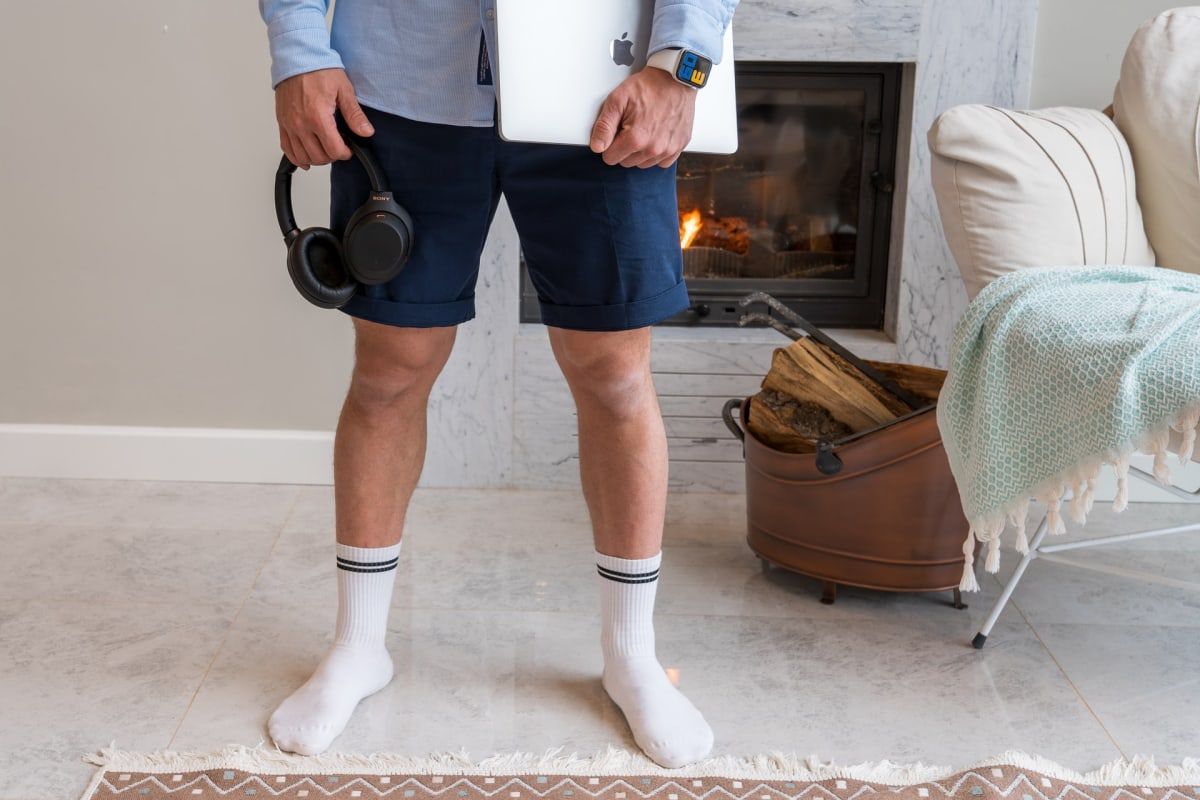
Dress for the role and company, not just for the room you are sitting in. Solid colors usually work better on camera than busy patterns. If you are unsure, choose the same level of polish you would use for an in-person interview.

How to answer online interview questions
Strong online answers are structured and short enough to survive a video call. Aim for 60 to 90 seconds for most answers unless the interviewer asks for detail.
Use this answer shape:
| Part | What to say |
|---|---|
| Direct answer | Start with the point. |
| Evidence | Give one specific example, metric, tool, decision, or result. |
| Relevance | Connect it to the role you are interviewing for. |
| Check-in | End with a short landing line, then pause. |
Example:
"Yes, I have managed cross-functional projects remotely. In my last role, I coordinated a product launch across design, engineering, and customer success in three time zones. I kept decisions in a shared project doc, posted weekly risks, and moved blockers into async comments before meetings. We shipped on schedule, and that style would fit this role because your team is distributed and needs clear written updates."
Prepare answers for common questions, but avoid sounding memorized. Practice themes instead:
- Why this role and company?
- Tell me about yourself.
- A time you solved a problem.
- A time you handled conflict or feedback.
- A project you are proud of.
- Your strengths and weaknesses.
- How you prioritize work.
- How you communicate remotely.
- Questions you want to ask the interviewer.
For company-specific preparation, use our guide on how to research a company for an interview. For interview rehearsal structure, read what a mock interview is.

What to do if something goes wrong
Technical issues are not automatically disqualifying. How you handle them can still make a good impression.
| Problem | What to do | What to say |
|---|---|---|
| Audio lag | Pause, slow down, and confirm whether they can hear you. | "I think there may be a slight delay, so I will pause a beat before answering." |
| Video freezes | Turn video off briefly if audio works better. | "My video seems unstable, but I can hear you clearly. I am going to turn camera off for a moment so the audio stays reliable." |
| Call drops | Rejoin immediately, then message the recruiter if needed. | "I was disconnected and am rejoining now. If the platform keeps failing, I am available by phone." |
| Noise or interruption | Mute, resolve it quickly, and return without overexplaining. | "Sorry about that interruption. I am back." |
| Screen share mistake | Stop sharing, close the wrong window, and restart. | "Let me stop sharing for a second and reopen the correct file." |
| You miss a question | Ask for it again. | "Could you repeat the last part of the question? I want to make sure I answer it directly." |
Do not apologize repeatedly. Acknowledge the issue, fix it, and continue.

One-way video interview tips
A one-way video interview is different from a live call because you answer recorded prompts without real-time feedback. That can feel awkward, so your preparation needs to be more deliberate.
Before recording, check:
- Deadline and time zone.
- Number of questions.
- Time limit for each answer.
- Whether you can re-record.
- Whether questions are shown in advance.
- Whether notes are allowed.
- Whether the employer expects video, audio, or written answers.
For each answer, use a simple structure: direct answer, example, result, relevance. If there is a timer, spend the first few seconds planning instead of starting immediately.
Look into the camera at the beginning and end of each recording. Keep your tone conversational, not theatrical. If you get one retake, use the first attempt to learn the timing and the second to deliver a cleaner answer.

Remote job interview tips
For a remote job, the interviewer is not only evaluating your skills. They are also evaluating whether you can work without constant in-person context.
| Remote signal | How to show it in an answer |
|---|---|
| Written communication | Mention docs, project updates, decision logs, async summaries, or clear handoffs. |
| Ownership | Describe how you moved work forward without waiting for someone to tell you each next step. |
| Time-zone awareness | Explain how you planned meetings, response times, or handoffs across locations. |
| Tool fluency | Name tools only when they matter, such as Slack, Notion, Linear, Jira, GitHub, Figma, or Loom. |
| Trust and visibility | Show how you made progress visible with status updates, milestones, or demos. |
| Collaboration | Share examples of asking good questions, resolving ambiguity, and including people who were not in the meeting. |
Ask remote-specific questions too:
- How does the team document decisions?
- What work is expected to happen synchronously?
- How are priorities communicated across time zones?
- What does a successful first 90 days look like in this remote role?
- How does the team build trust when people are not in the same office?
If you are still searching, browse remote jobs on Himalayas and use company profiles to understand how different remote teams work before you interview.

What to do after an online interview
Send a thank-you email within 24 hours. Keep it short, specific, and useful.
Template:
"Hi [Name],
Thank you for taking the time to speak with me today. I enjoyed learning more about [specific project, team goal, or challenge]. The conversation made me even more interested in the role because [specific reason tied to your experience].
I am excited about the possibility of contributing to [company/team]. Please let me know if I can share anything else.
Best, [Your Name]"
If you discussed a technical issue during the call, do not make the follow-up about the issue unless it affected the interview. Focus on the role, the conversation, and your fit.
For more examples, use our guide to follow-up emails after an interview.

Online interview FAQ
How early should I join an online interview?
Join 5 to 10 minutes early if the platform allows a waiting room. If joining early would immediately place you into the call, open the link early to test access, then enter at the scheduled time.
Can I use notes during an online interview?
Yes, but keep notes short. Use bullets for examples, questions, and numbers. Do not read full answers from a script.
Should I wear headphones?
Wear headphones or earbuds if they improve audio quality or reduce echo. Test them before the interview so you know the microphone sounds clear.
Should I blur my background?
Use a real, clean background when possible. A subtle blur is fine if your room is distracting, but avoid playful virtual backgrounds for a first meeting.
What should I do if the interviewer keeps their camera off?
Stay professional and keep following the format they set. If your camera is expected to stay on, keep it on unless they invite you to turn it off.
How do I practice for an online interview?
Practice on camera, not just in your head. Use a friend, a recruiter, a career coach, or Himalayas AI Interview to answer realistic prompts, check your pacing, and refine your examples.
What if I am interviewing on Zoom?
The same principles apply, but Zoom has its own settings and common mistakes. Read our Zoom interview tips before the call.
What if I cannot answer a question?
Pause, clarify, and answer what you can. You can say, "I have not handled that exact situation, but here is the closest example and how I would approach it."